Work & Study · Free printable
Free Concept Web Graphic Organizer
A concept web places one topic in the center and branches related ideas around it. Use each branch for a category, characteristic, example, question, or connected concept, then add brief notes that explain the relationship. This printable works for brainstorming, prewriting, vocabulary, research planning, and reviewing what you know about a topic.
Edited by Tessa Vaughn · Planning & Organization Editor
Free download
Choose your file size
Print at 100% / Actual Size for the cleanest margins. Pick the paper size your printer normally uses.
Share to Google Classroom ↗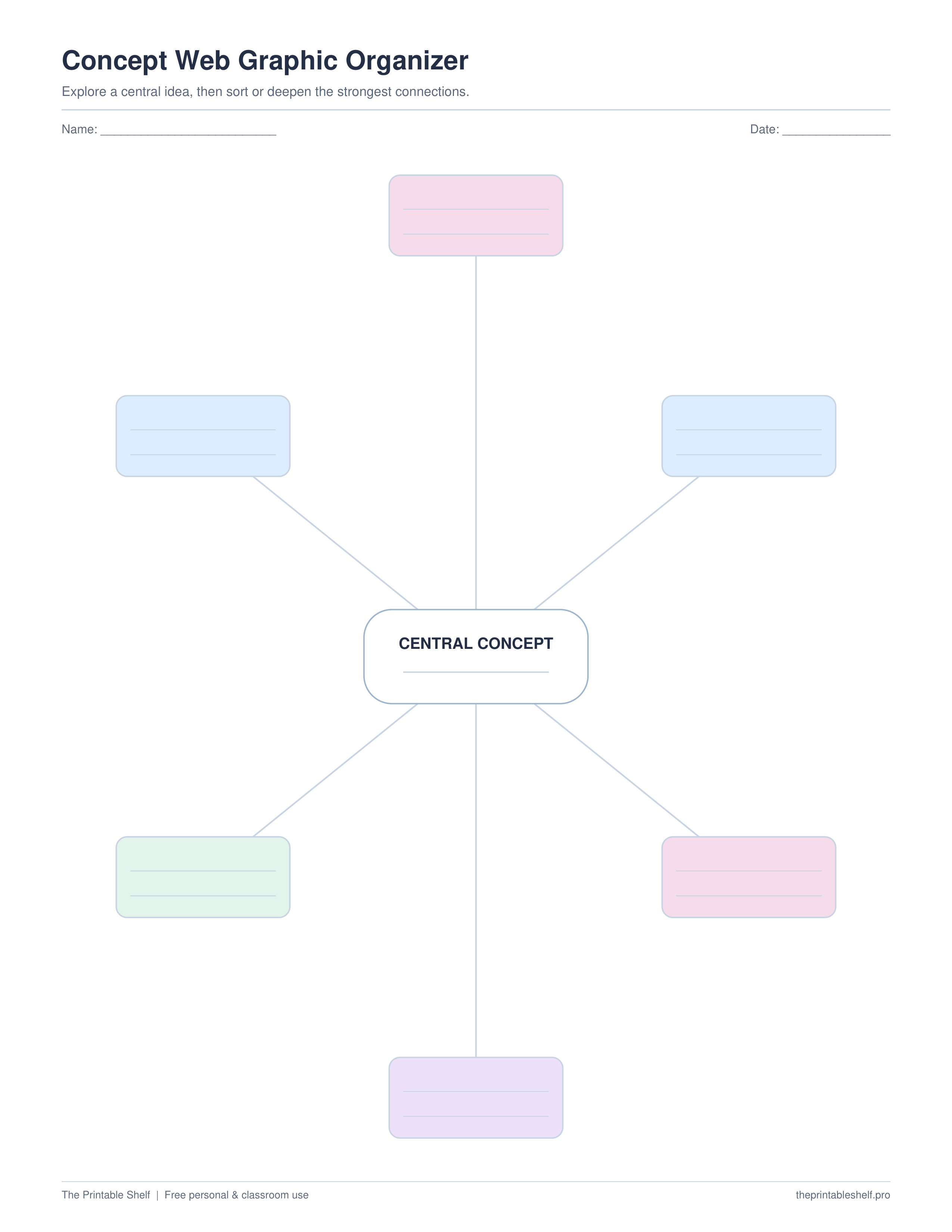
No sign-up required · personal/classroom use
More useful layouts
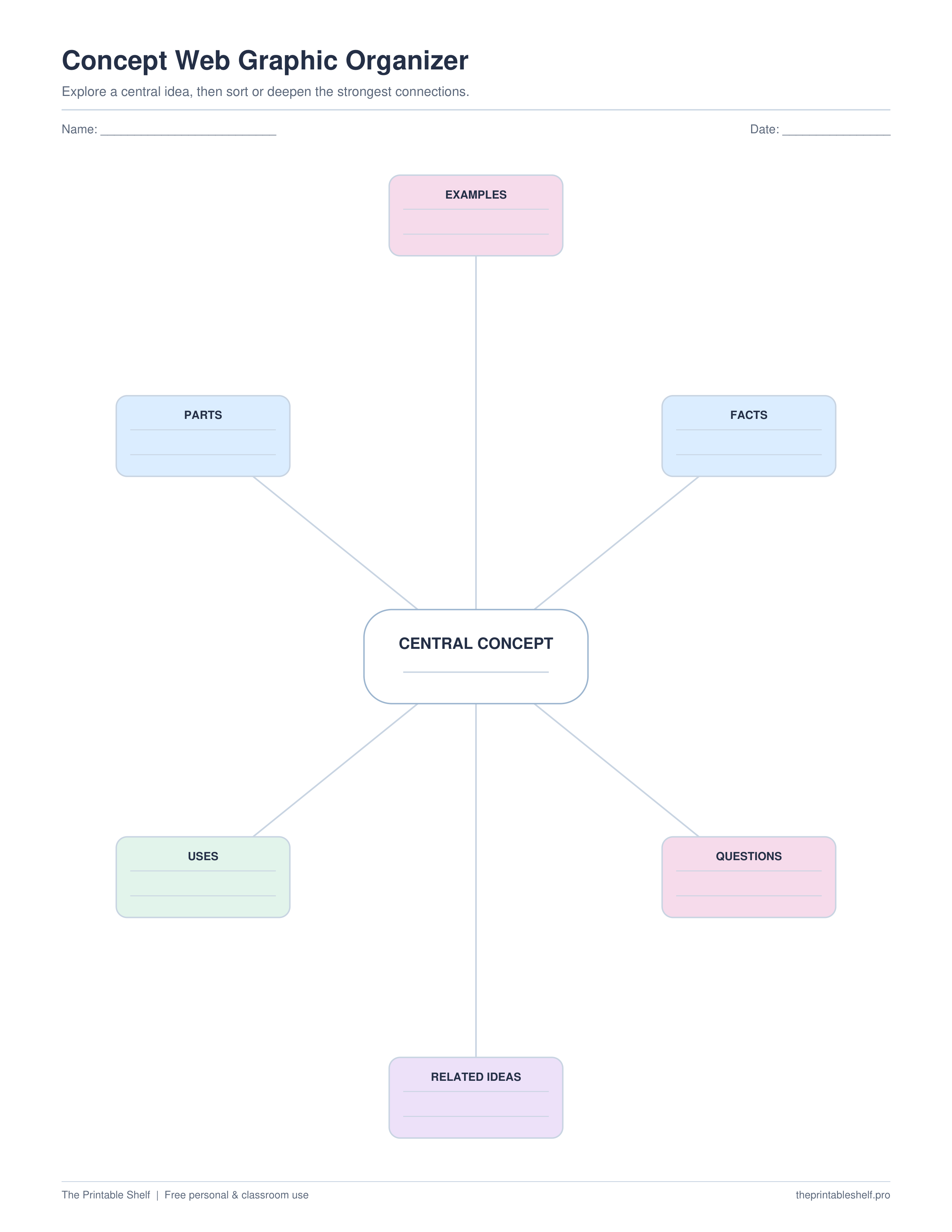
Guided concept web
Six labeled branches prompt examples, parts, uses, related ideas, questions, and facts.
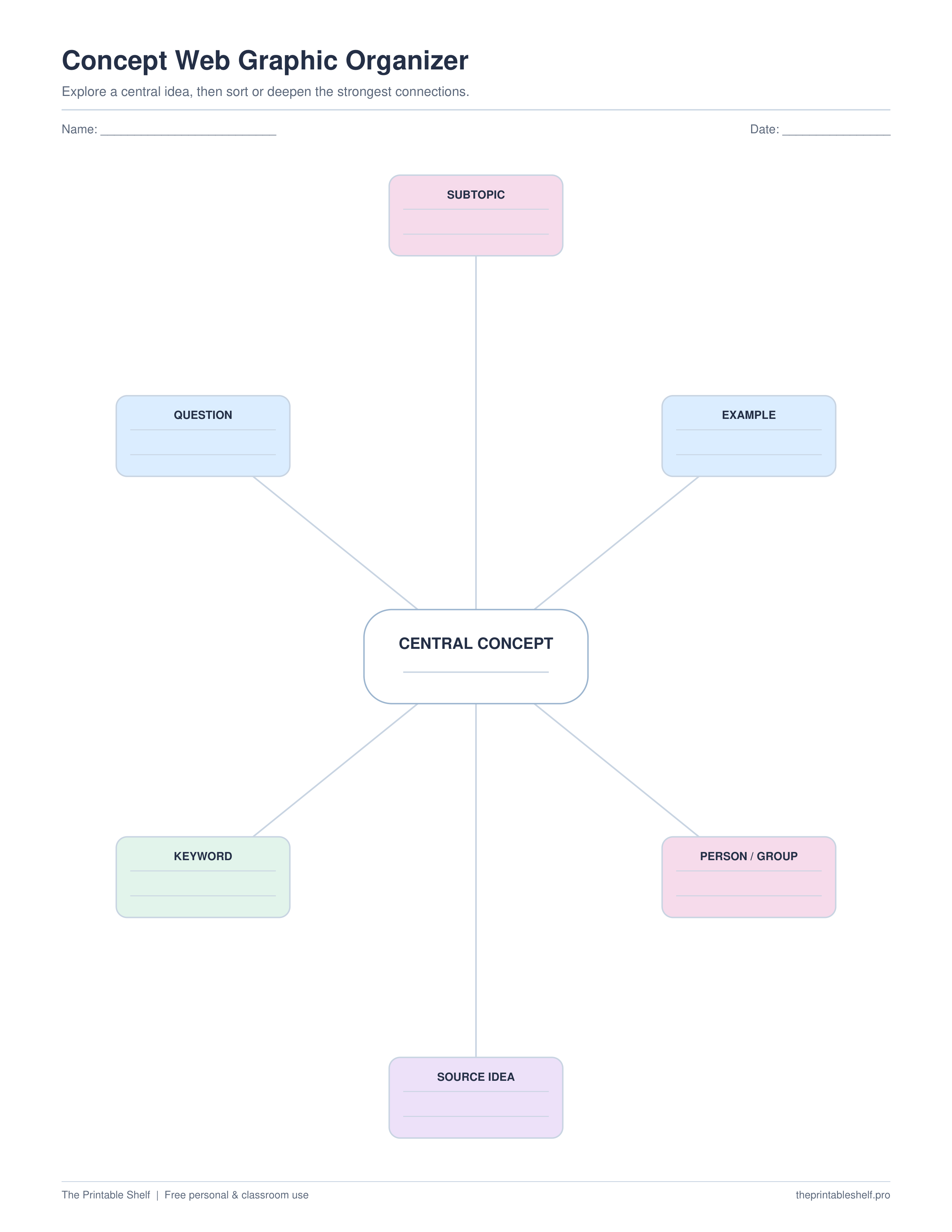
Research web
Branches are tuned for subtopics, questions, keywords, source ideas, people/groups, and examples.
What is on the page
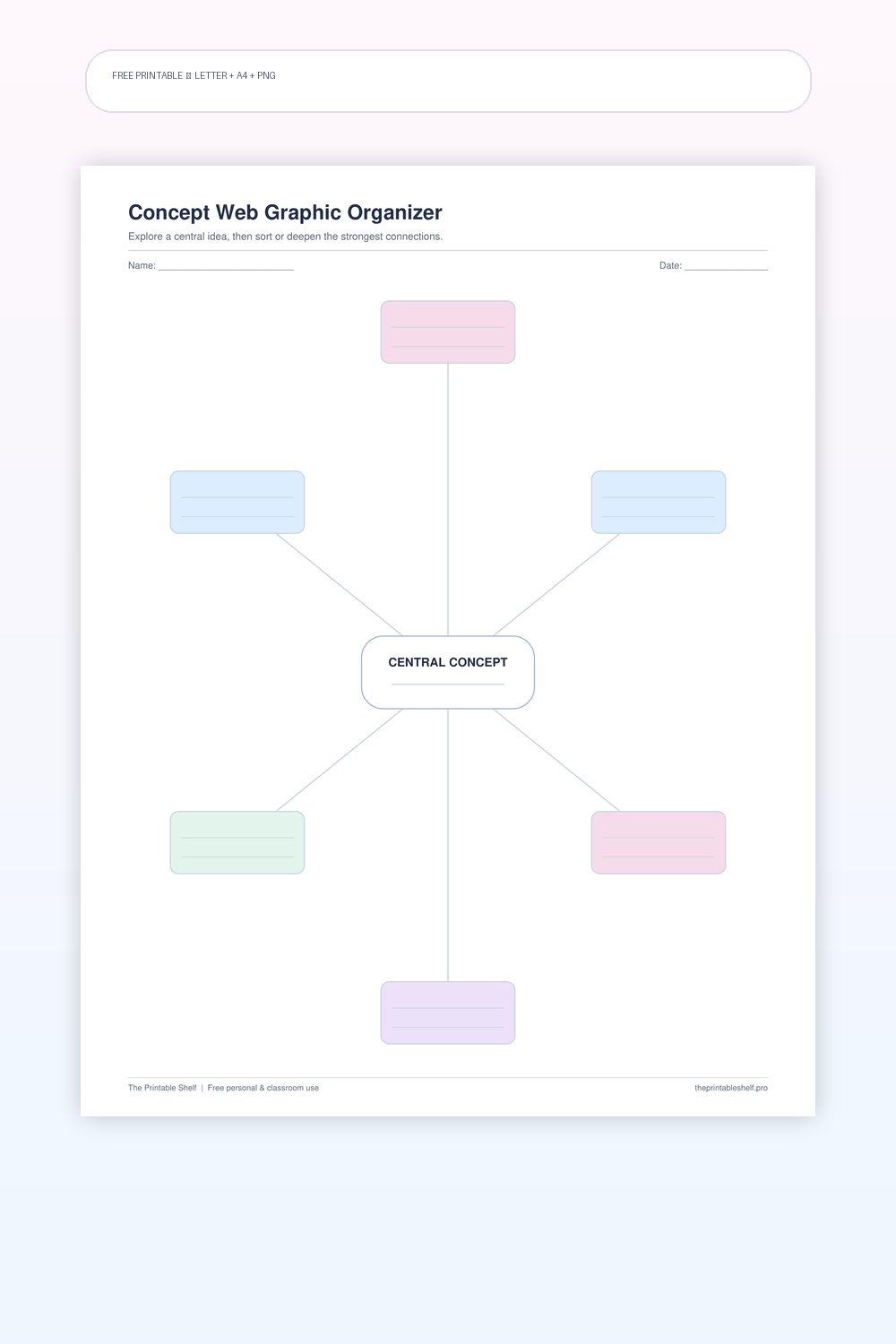
A radial organizer with one central concept and multiple surrounding branches. Unlike a main-idea-and-details sheet, the surrounding ideas do not all have to function as evidence for one sentence. The web is better for exploring a topic broadly, grouping associations, and making relationships visible before the user decides how the information should be ordered.
How to use it
Write one focused concept in the center. A web works best when the center is broad enough to generate several meaningful branches but narrow enough that the branches still belong together. ‘Energy’ may be too broad for a short assignment, while ‘forms of renewable energy’ gives you clearer categories. If you are brainstorming a paper, use the working topic rather than trying to write a polished thesis in the center.
Use the surrounding branches for different kinds of connections. They can be categories, characteristics, examples, causes, questions, people, subtopics, or vocabulary related to the center. Decide whether all branches should follow one rule. For research planning, consistent branch types such as ‘causes, effects, examples, solutions’ can make later outlining easier. For open brainstorming, mixed connection types are fine as long as you can explain each one.
Add short notes rather than paragraphs. The shape is designed for scanning relationships, so a few precise words usually work better than filling every bubble with complete prose. If one branch grows into several smaller ideas, number those ideas or draw a tiny sub-branch in the available space. When one branch becomes much larger than the rest, that may be a sign that it deserves its own second concept web.
After the first brainstorm, look across the web for clusters and gaps. Which branches clearly belong together? Which idea appears important but has no examples? Which branch does not really connect to the center? Cross out weak associations and circle the strongest groups. This review step turns the web from a collection of first thoughts into a usable plan for studying, researching, discussing, or writing.
For vocabulary and concept learning, put the term in the middle and use the branches for related ideas rather than repeating the definition six times. You might add examples, non-examples, parts, functions, related terms, and a real-world connection. If the assignment specifically needs definition, characteristics, examples, and non-examples in four fixed sections, the Frayer model is a better choice because its structure is more explicit.
For writing, use the completed web as a bridge to an outline. Choose the branches that directly support the assignment, put them in a logical order, and leave unrelated brainstormed ideas behind. For group work, have each person add ideas independently first, then combine them into one shared web. That prevents the first suggestion from controlling the whole brainstorm and usually produces a wider range of useful connections.
Customize instead
Need a different title, paper size, or orientation? →
Use the free Graphic Organizer Maker to build a custom Venn, KWL, Frayer, story map, T-chart, main-idea, sequence, or cause-and-effect page.
Good matches for this page
Three ways to use it
Before research
Use branches for what you already know, possible subtopics, questions, people, causes, or examples that can guide the first search.
Vocabulary & concepts
Place the term in the center and branch to examples, functions, related terms, parts, and real-world connections.
Before outlining
Brainstorm freely first, then circle the branches that actually support the assignment and move only those into a logical outline.
Common mistakes to avoid
Choosing a center topic that is too broad
Narrow the concept until six branches can describe meaningful relationships rather than random facts.
Writing paragraphs inside the bubbles
Keep each branch compact so the connections stay visually scannable.
Treating every brainstormed idea as equally useful
Review the finished web, remove weak branches, and group or rank the strongest ideas before the next task.
Included layout options
Blank six-spoke web
Open brainstorming around one central concept
Layout: Large center topic with six unlabeled branches
Guided concept web
Prompt deeper connections
Layout: Branches labeled examples, parts, uses, related ideas, questions, facts
Research web
Turn brainstorming into search planning
Layout: Branches include subtopic, question, keyword, source idea, person, example
Classroom fit
Suggested grades, use modes & standards
Suggested grade bands
These are practical use ranges, not hard limits. Text complexity and the amount of teacher modeling matter more than the worksheet alone.
Good fit for
Scaffold level: Beginner.
Common Core crosswalk
No narrow standards code is listed for this general-purpose template. Use it where the thinking task fits your local curriculum.
Common questions
What is a concept web used for?
Use it to brainstorm related ideas around one topic, organize background knowledge, plan research questions, learn vocabulary, or collect possible subtopics before outlining.
How is a concept web different from a mind map?
They are closely related. A simple concept web usually uses one central topic with a limited set of surrounding connections, while mind maps can grow into deeper, multi-level branches.
How is this different from a main idea organizer?
A main-idea organizer asks surrounding details to support one central idea. A concept web can show many kinds of relationships, not only supporting evidence.
Helpful guides
See where this organizer fits, when a different layout works better, and how to turn the completed page into a useful next step.
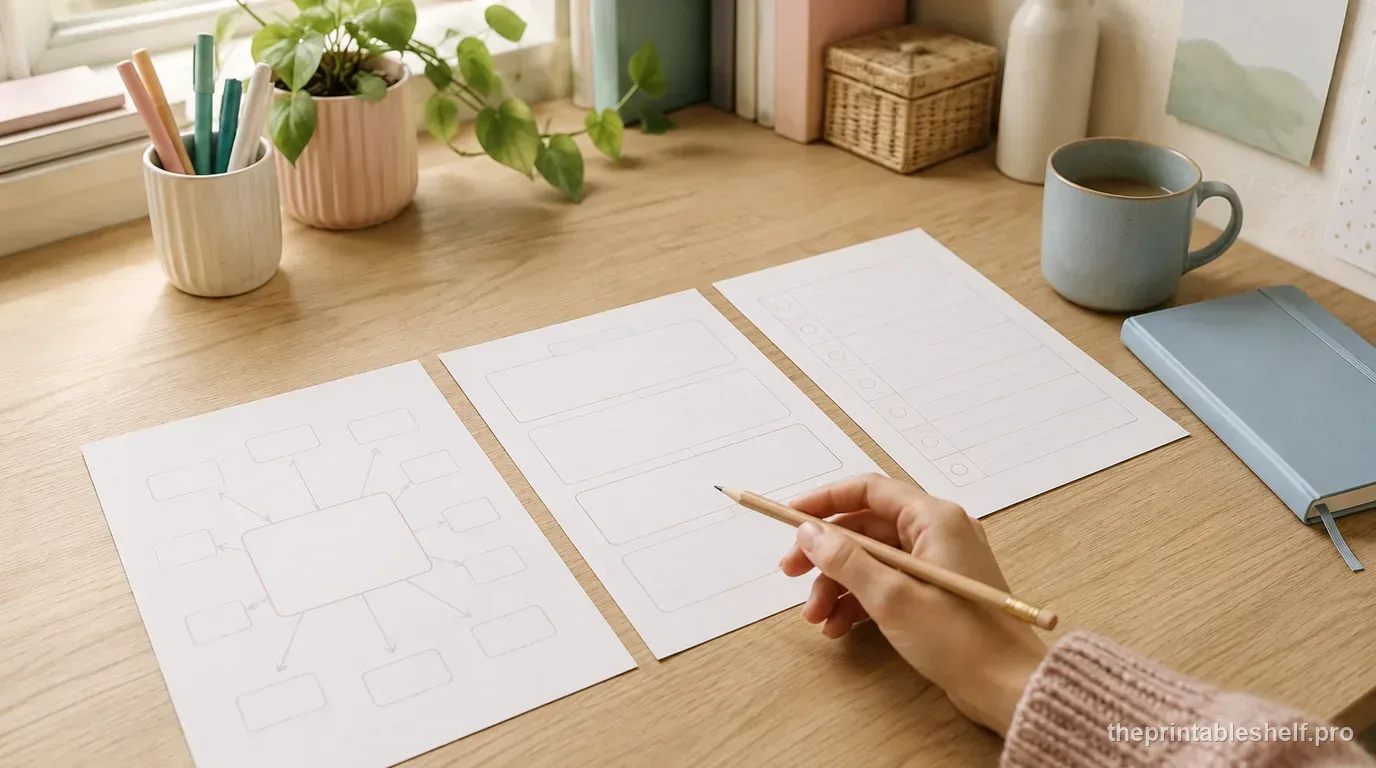
Free Writing Graphic Organizers: Which One to Use and When
Use free writing graphic organizers to plan ideas, structure paragraphs, compare evidence, sequence steps, and organize explanations before drafting.
Read guide →
How to Use Graphic Organizers Effectively (Without Turning Them Into Busywork)
Learn how to choose, model, scaffold, and reuse graphic organizers so students think with them instead of simply filling in boxes.
Read guide →Keep organizing
You might also like
Free printable
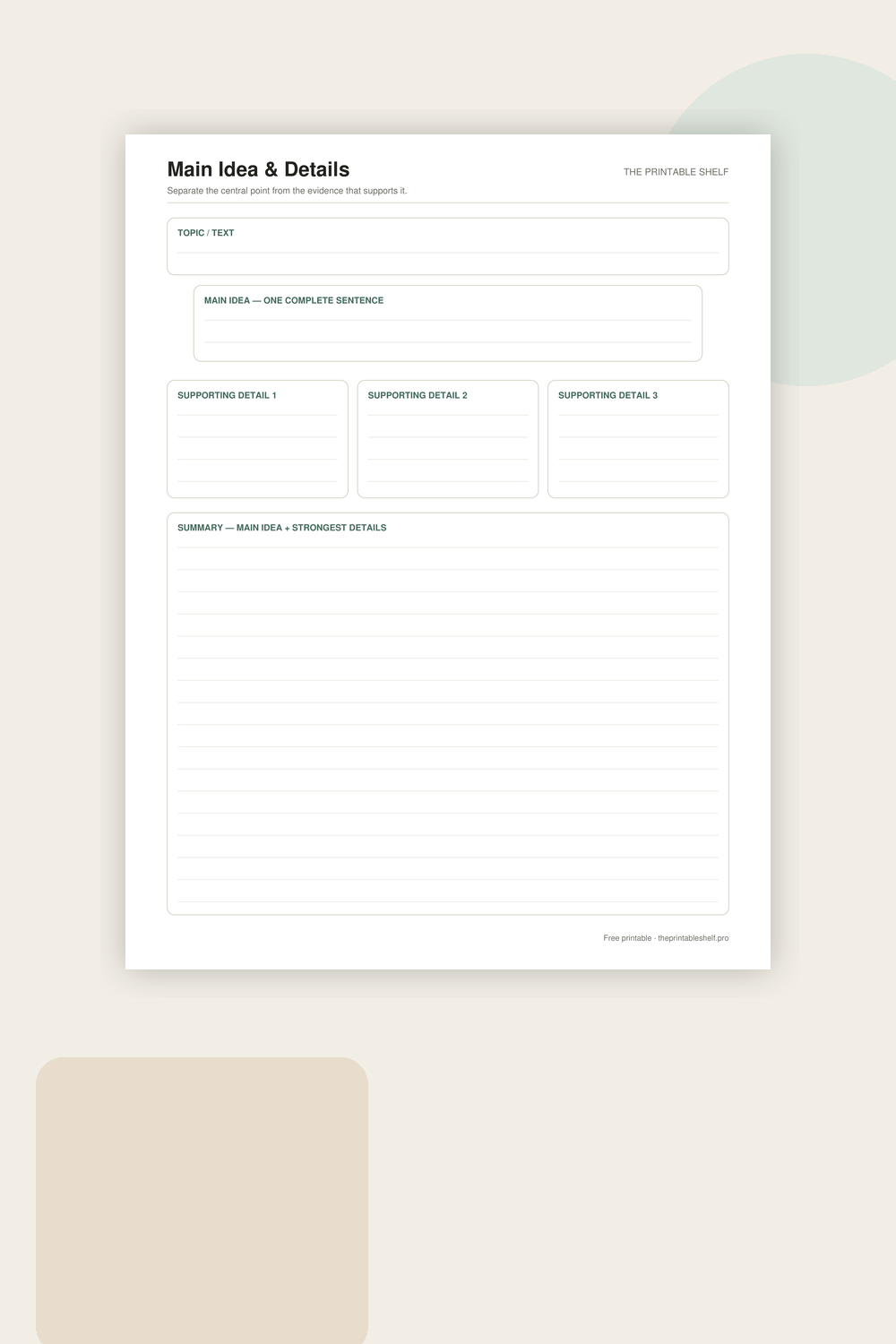
Main Idea and Details Graphic Organizer PDF
A reading and note-taking organizer built around one central idea and three pieces of support. The extra topic box helps learners distinguish a broad subject from the author’s actual main point, while the final summary asks them to recombine the important information in their own words.
Free printable
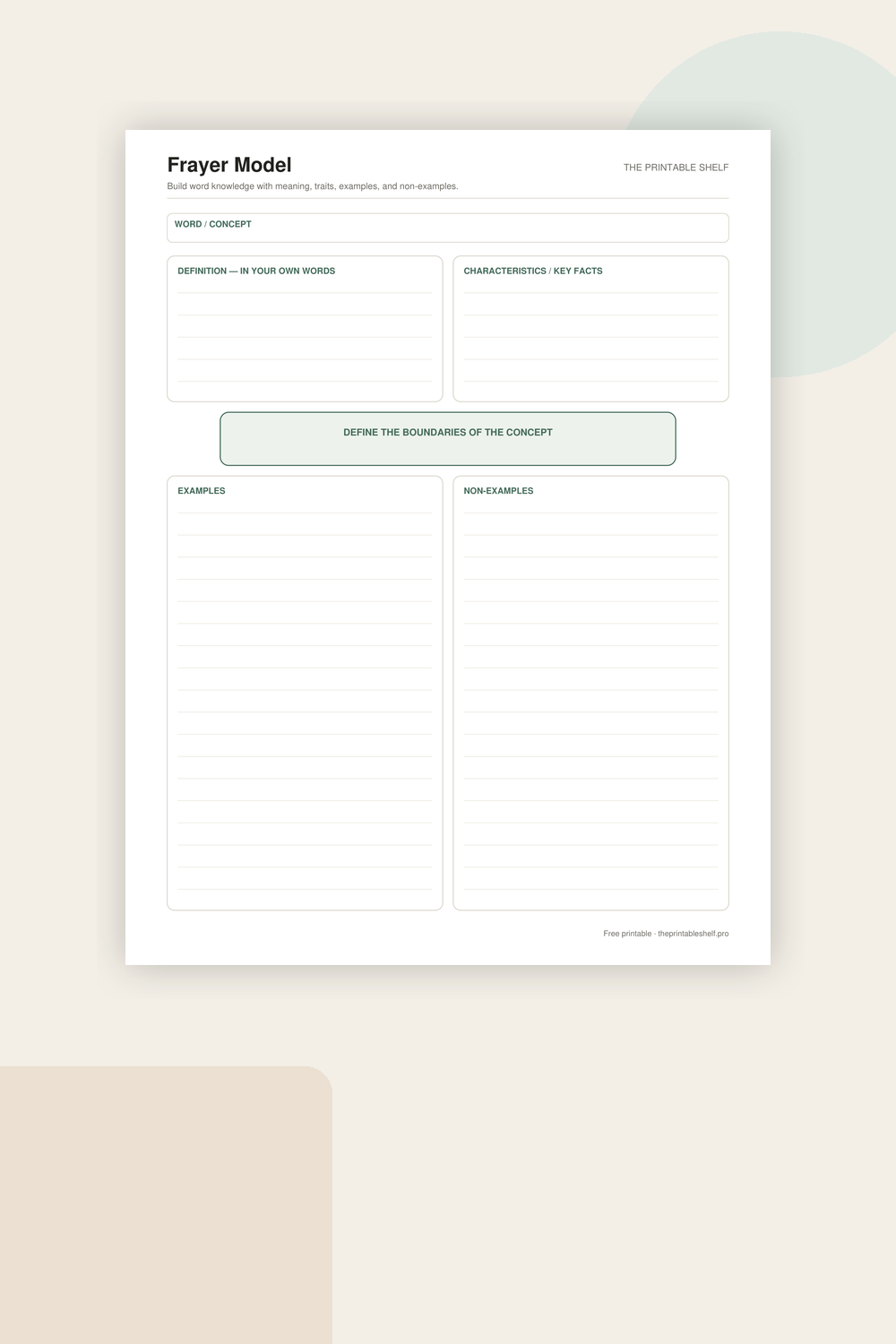
Printable Frayer Model Vocabulary Template
A classic four-part vocabulary and concept organizer upgraded from the site's older vocabulary map. Instead of stopping at a copied definition, the page asks for defining traits, clear examples, and deliberate non-examples, which helps learners distinguish what belongs to a concept from what only looks similar.
Free printable
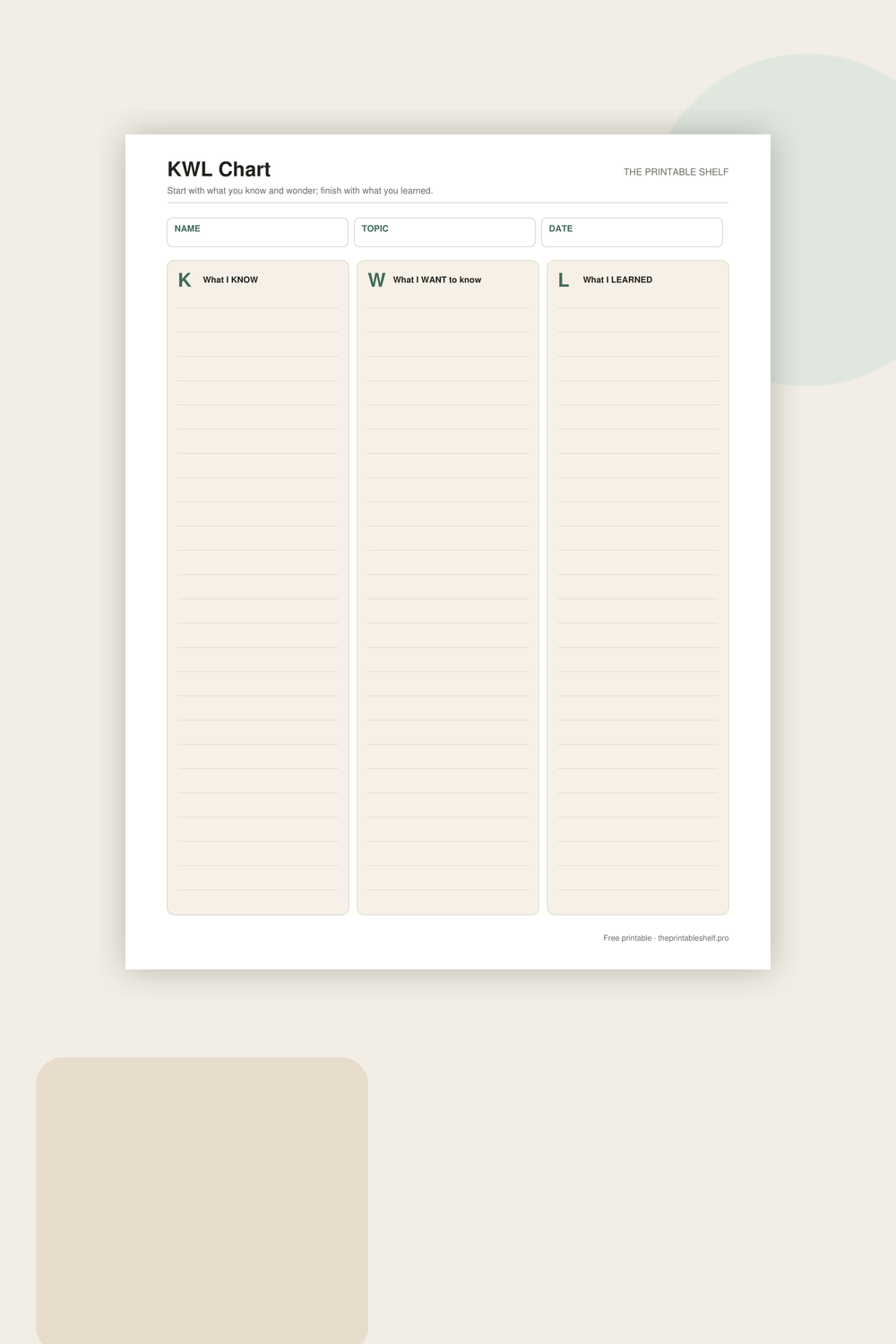
Printable KWL Chart
A three-column learning organizer for activating prior knowledge and making questions visible before a lesson begins. The K column records what the learner thinks they know, W captures questions or wonderings, and L is completed afterward with new information, corrections, and answers discovered during learning.