Work & Study · Free printable
Free Main Idea and Details Graphic Organizer PDF
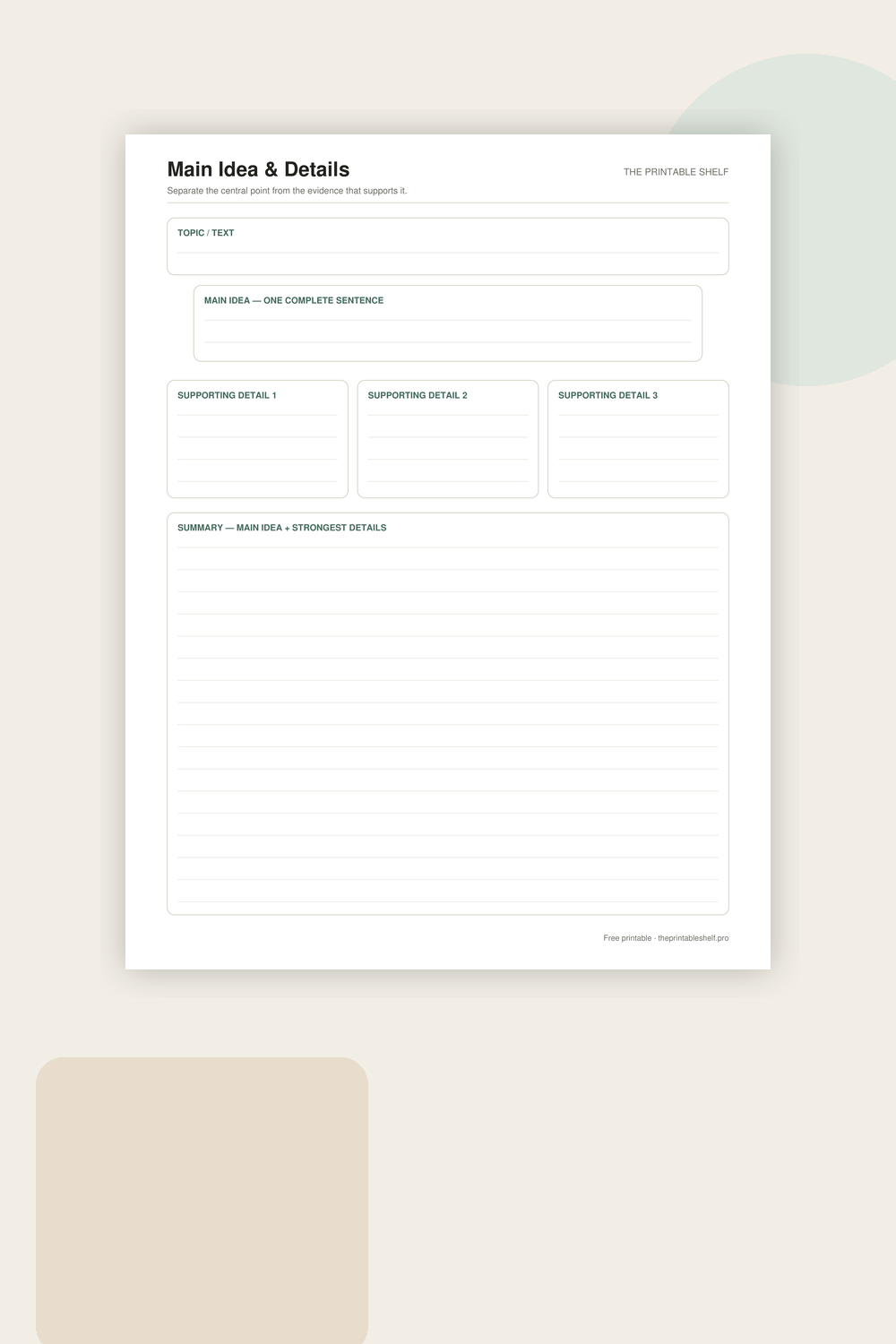
Use this main idea and details organizer to separate what a text is mostly saying from the facts, examples, or reasons that support it. The printable includes a topic box, one main-idea statement, three supporting-detail boxes, and a summary section. Download it in Letter, A4, or PNG format.
Edited by Tessa Vaughn · Planning & Organization Editor
Free download
Choose your file size
Print at 100% / Actual Size for the cleanest margins. Pick the paper size your printer normally uses.
Share to Google Classroom ↗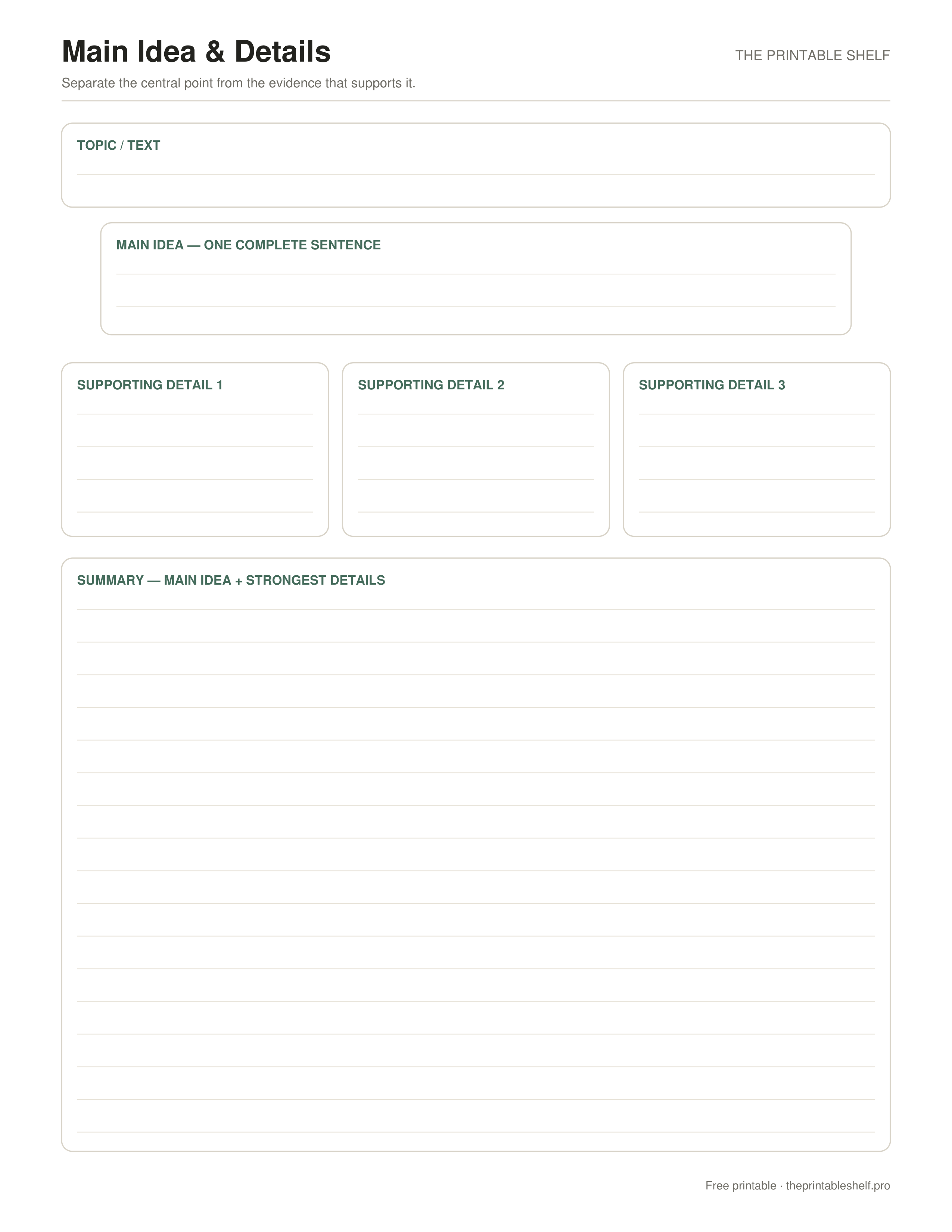
No sign-up required · personal/classroom use
What you get in this download
A reading and note-taking organizer built around one central idea and three pieces of support. The extra topic box helps learners distinguish a broad subject from the author’s actual main point, while the final summary asks them to recombine the important information in their own words.
A simple way to use it
Begin with the Topic box. Keep this short: a word or phrase such as “desert animals,” “the water cycle,” or “school uniforms.” Then write the Main Idea as a complete sentence. The main idea should say what the text communicates about that topic, not simply repeat the topic itself. A useful check is to ask whether someone who had not read the passage would learn an actual point from your sentence.
Use up to three supporting-detail boxes for information that directly supports, explains, illustrates, or develops the main idea. Strong details may be facts, examples, reasons, definitions, or events. Do not automatically copy the first three interesting sentences you see, and do not fill a box merely because it is available. If a detail is memorable but does not support the main idea, leave it out. For longer texts, jot several possibilities first, then select the strongest distinct details that fit this section of the organizer.
After the detail boxes are filled, compare them with the main-idea sentence. If one detail points to a different central point, either replace the detail or reconsider the main idea. This quick alignment check is useful for nonfiction reading because it makes the relationship between evidence and the central point visible. It also works well when planning an informational paragraph before writing it.
Finish with the Summary section without copying the main-idea box word for word. Restate the central point and weave in the strongest supporting information. Keep the summary concise enough to preserve the central point and the necessary supporting information. More advanced responses can use the summary as a starting point for a constructed response. If the text has more than one major section, print another sheet for the next section instead of crowding several unrelated main ideas onto one page.
When using the organizer as a study aid, turn each detail into a quick question before reviewing. If you cannot explain why a detail supports the main idea, that is a useful signal to reread that section rather than memorizing the detail in isolation.
Fill it online
Type directly into this organizer →
Your answers autosave only in this browser. Print or save the filled page as PDF, download a high-resolution PNG, or clear it and start again—no account required.
Customize instead
Need a different title, paper size, or orientation? →
Use the free Graphic Organizer Maker to build a custom Venn, KWL, Frayer, story map, T-chart, main-idea, sequence, or cause-and-effect page.
Also in a free pack
Download this organizer together with related pages when you want one reusable master PDF instead of separate files.
Choose the support level
Blank, guided, example, or fill online
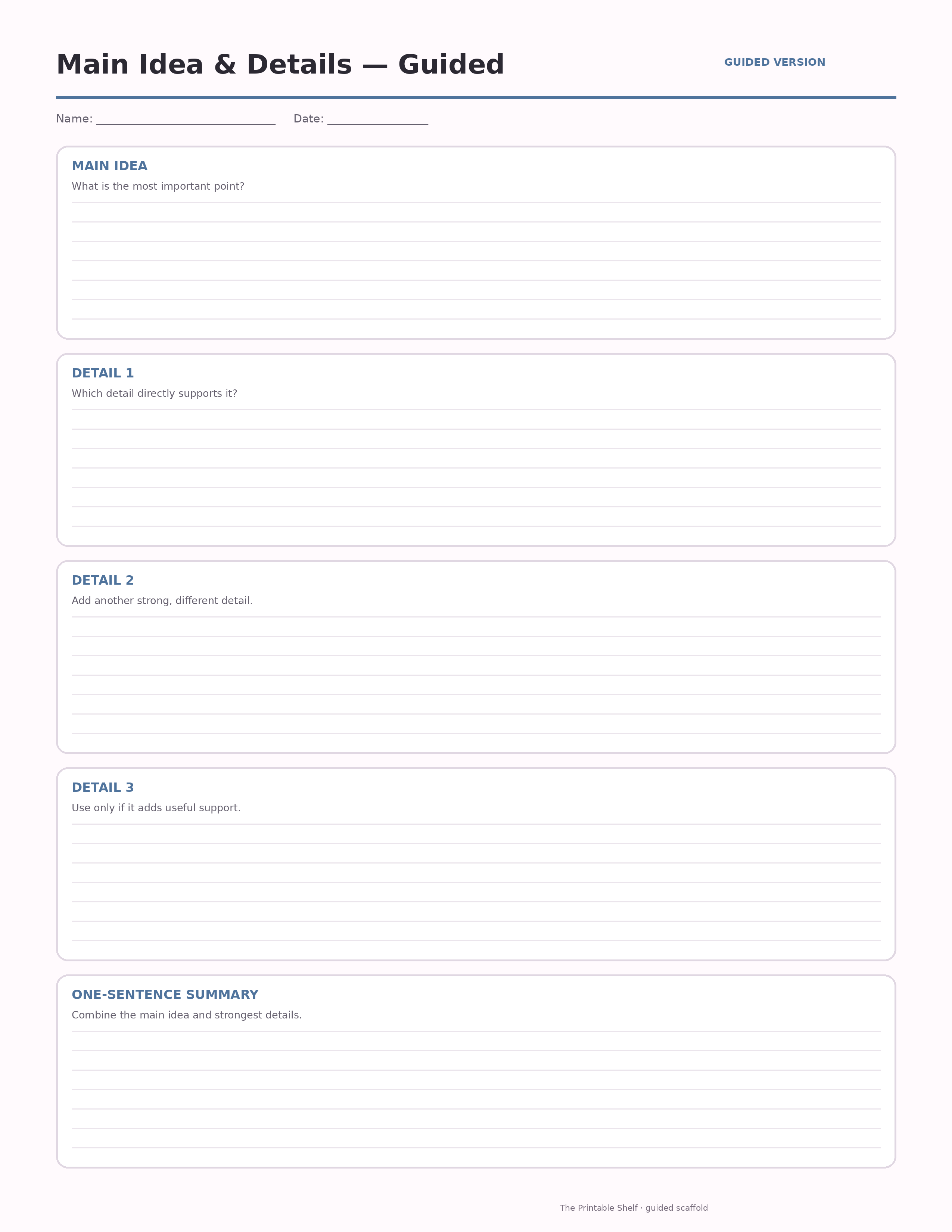
Use the blank page when students already know the routine. Choose the guided version when they need short prompts inside the sections. A completed example is available when this template benefits from modeling, and the online version lets students type before printing.
Blank
Independent use →
The standard printable with open writing space and no embedded hints. Download the Letter PDF.
Guided
Prompted scaffold
A scaffolded version with short prompts inside each section to help students know what kind of evidence or thinking belongs there.
Model
Completed example ↓
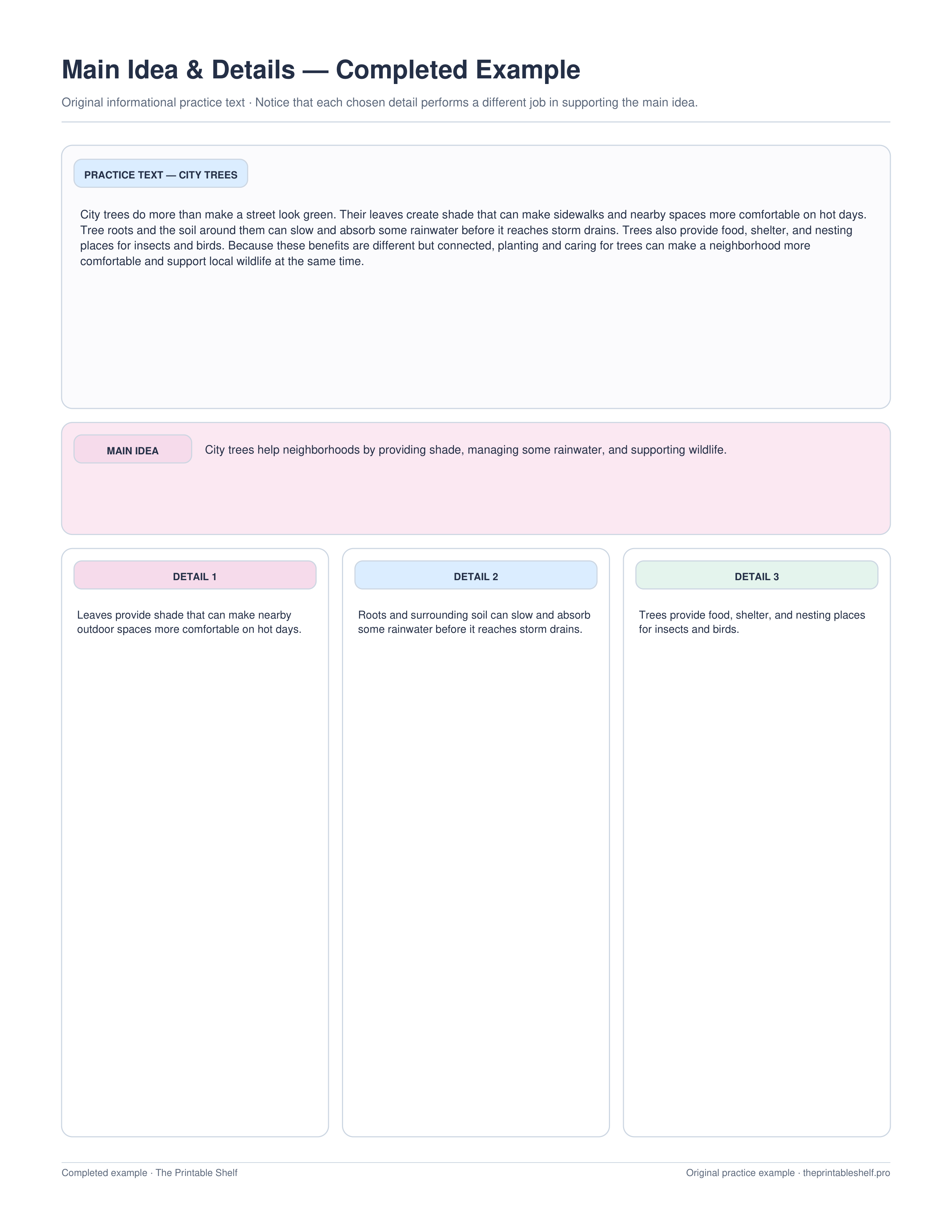
Use the finished sample to model the thinking before students work independently.
Online
Type before printing →
Autosave locally, print/save as PDF, or export the filled organizer as PNG.
Teaching set · 3 pages
Blank + guided + completed example in one PDF
Print the model first, practice with prompts, then move to the blank page without downloading three separate files.
Completed example
Worked page to compare against
A short original practice passage is paired with one main-idea sentence and three details that each support a different part of that central point.
Best uses for this template
Ideas for using this page
Find the central point
Write a complete main-idea statement, then add only details that help explain, support, develop, or clarify that statement.
Prepare a summary
Use the organizer to decide what matters before writing a shorter summary in your own words, leaving examples and repetition behind when they are not essential.
Check text hierarchy
For longer nonfiction, compare section headings, topic sentences, repeated concepts, and supporting evidence before deciding which idea sits above the others.
Mistakes to watch for
Writing only the topic as the main idea
Turn the topic into a statement that tells what the text says about that topic.
Choosing interesting but weak details
Ask whether each detail directly supports or develops the main-idea statement. If not, leave it out.
Copying too much text into the boxes
Paraphrase the important information so the organizer shows understanding rather than extraction.
Classroom fit
Where it fits: grades and standards
Suggested grade bands
These are practical use ranges, not hard limits. Text complexity and the amount of teacher modeling matter more than the worksheet alone.
Good fit for
Scaffold level: Standard.
Common Core crosswalk
- RI.3.2 · Determine the main idea and key details
- RI.4.2 · Determine the main idea and explain support from key details
- RI.5.2 · Determine two or more main ideas and summarize
These codes are a practical crosswalk for skills this organizer can support. They are not a claim that the worksheet alone fully teaches or assesses the standard.
Quick answers
What is the difference between topic and main idea?
The topic is the broad subject. The main idea is the specific point the text communicates about that subject.
What counts as a supporting detail?
A supporting detail is a fact, example, reason, event, or explanation that directly develops the main idea.
Can I use this organizer for writing too?
Yes. Put the point you want to make in the main-idea box, use up to three strong supporting details when they are needed, then use the summary area to test how they fit together.
Guides that go with this page
See where this organizer fits, when a different layout works better, and how to turn the completed page into a useful next step.
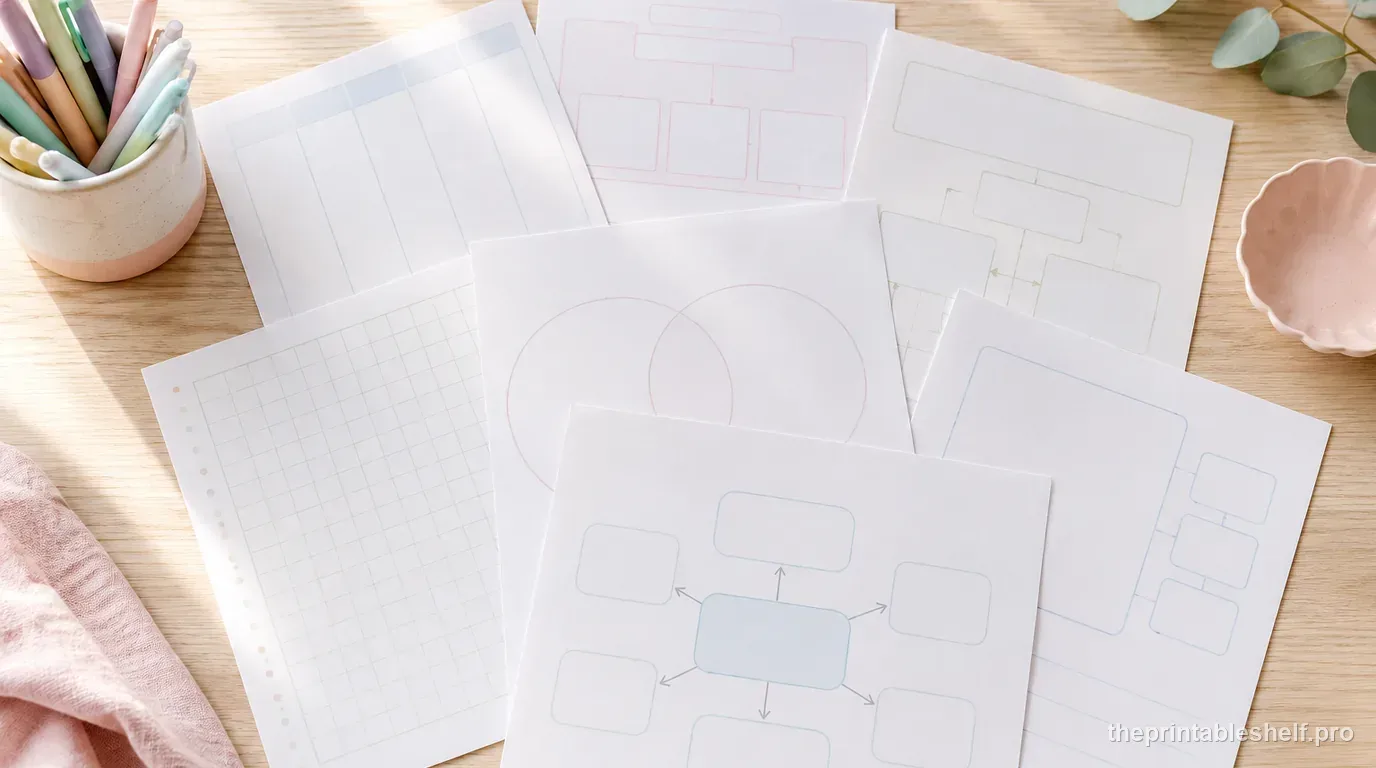
10 Free Graphic Organizers for Reading, Writing, and Studying
Download 10 free graphic organizers for reading, writing, comparison, vocabulary, sequencing, and study. Includes a guide to choosing the right one.
Read guide →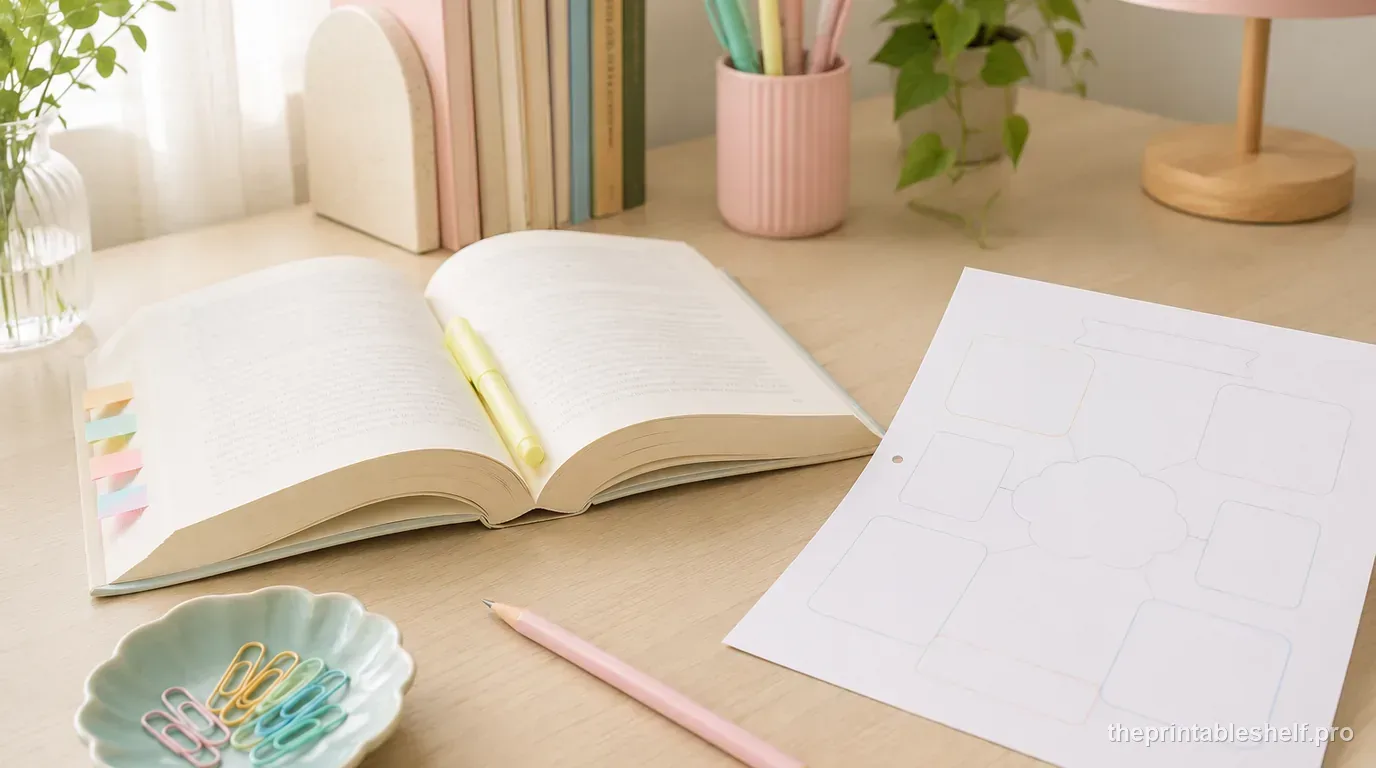
Free Reading Comprehension Graphic Organizers by Reading Skill
Free reading comprehension graphic organizers for story elements, main idea, sequence, cause and effect, comparison, vocabulary, and prior knowledge.
Read guide →
How to Use Graphic Organizers Effectively (Without Turning Them Into Busywork)
Learn how to choose, model, scaffold, and reuse graphic organizers so students think with them instead of simply filling in boxes.
Read guide →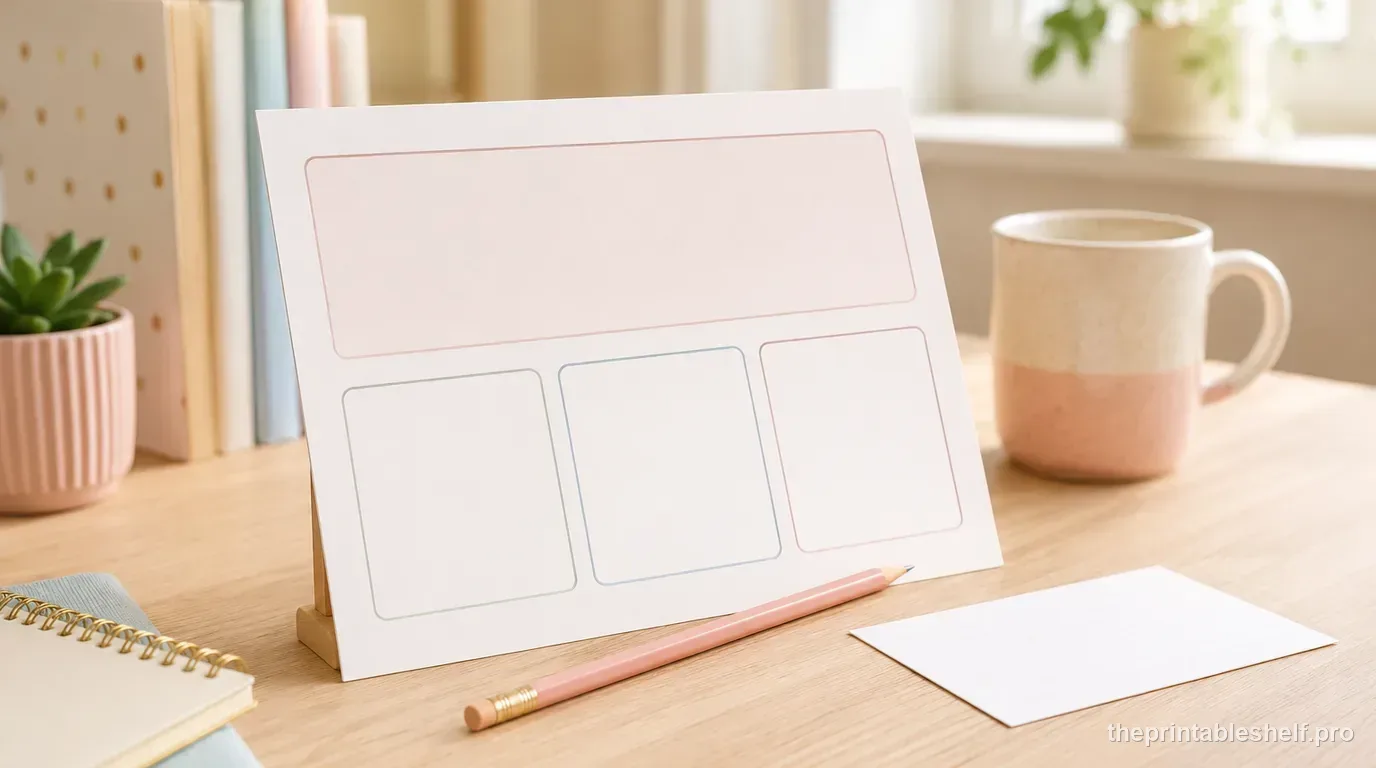
Main Idea vs. Summary: What's the Difference?
Learn the difference between main idea and summary, see worked examples, and use main idea plus key details to build a concise summary.
Read guide →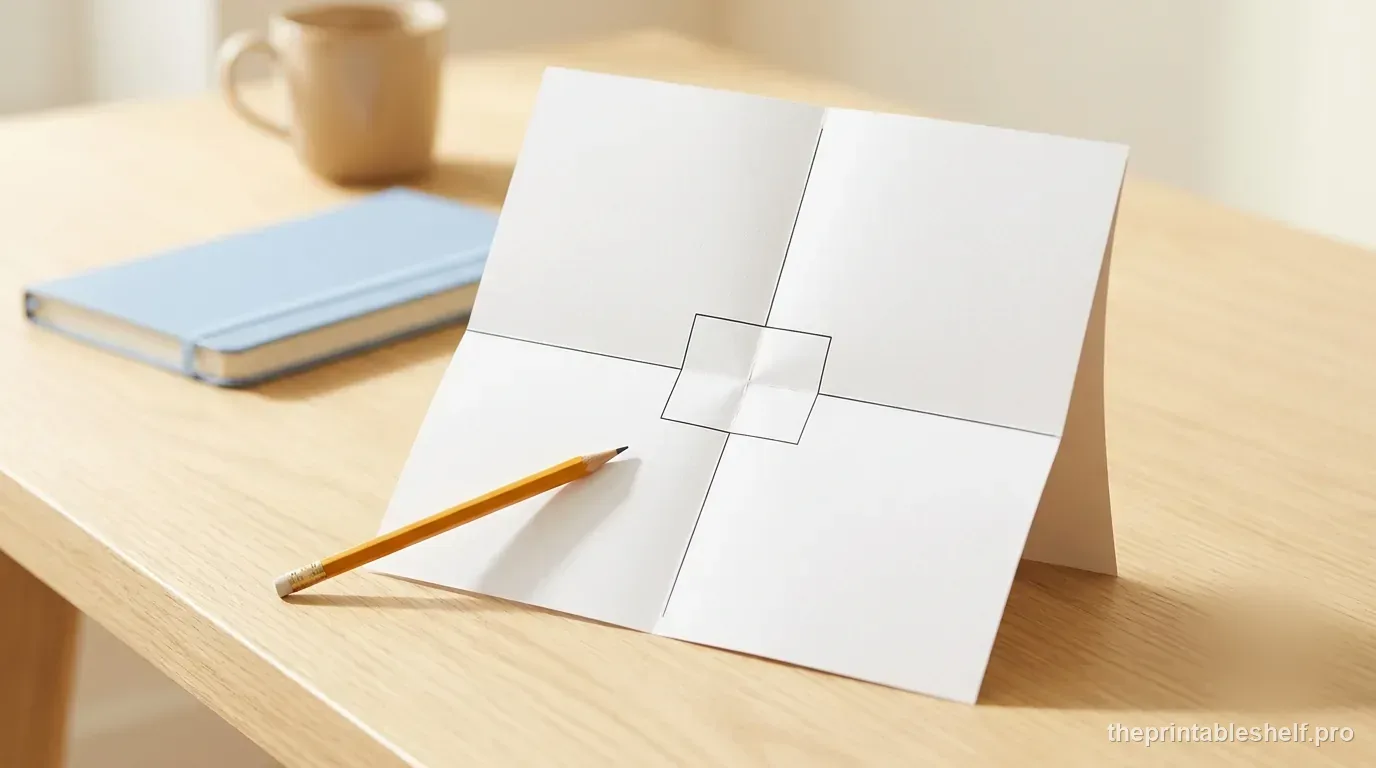
How to Use the Four-Square Writing Method to Plan a Paragraph
Learn how to use the four-square writing method to plan a focused paragraph, choose strong supports, and turn the organizer into a draft.
Read guide →
How to Find the Main Idea and Supporting Details in a Text
Learn how to find a text's main idea and supporting details with a step-by-step method, worked examples, and a free graphic organizer.
Read guide →
How to Review Cornell Notes: Turn the Cue Column Into a Weekly Study System
Review Cornell notes actively: write better cue questions, cover and recite, mark weak answers, summarize, and build a practical weekly study routine.
Read guide →Keep organizing
You might also like
Free printable
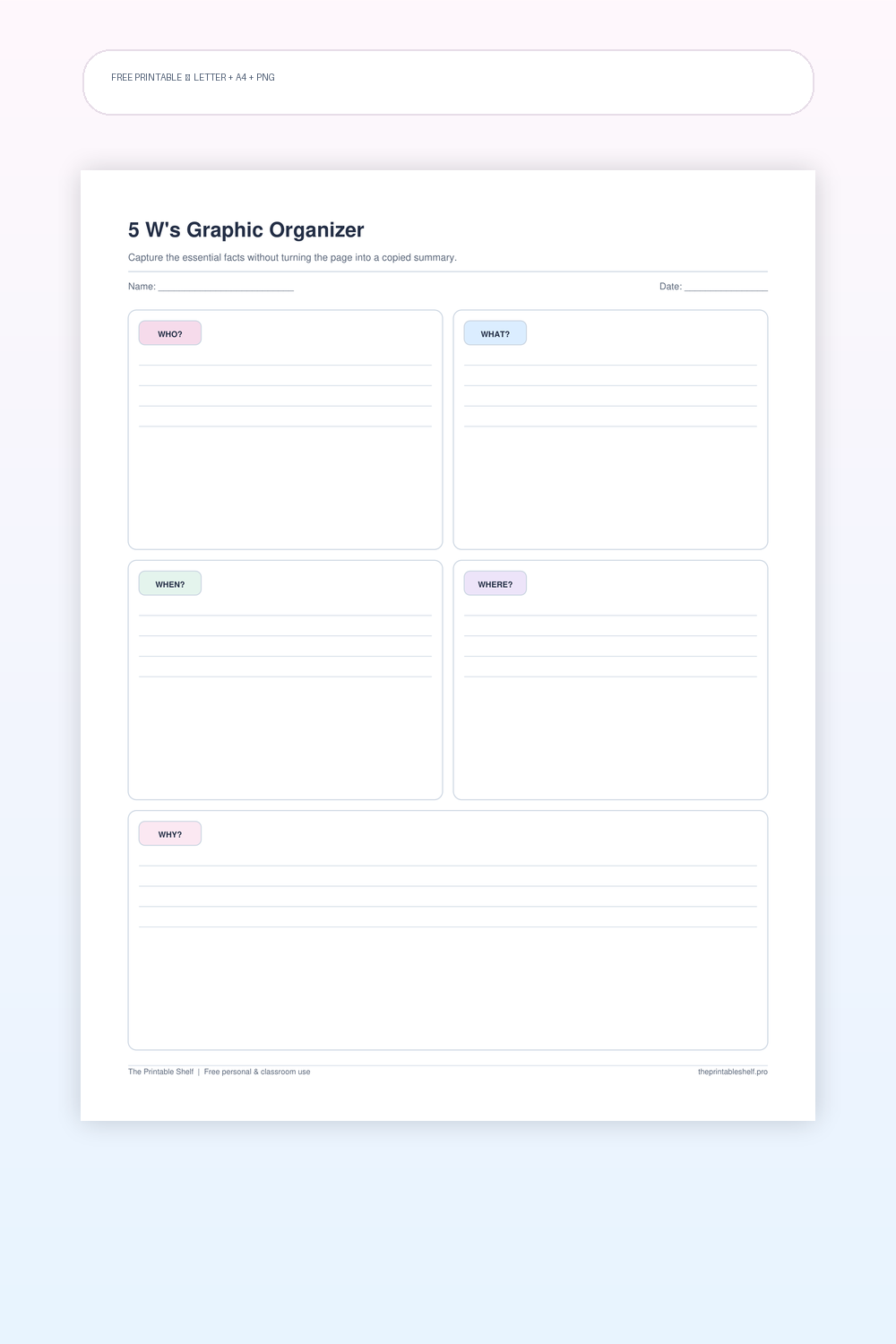
5 W's Graphic Organizer PDF (5W and 5W+1H)
A five-part fact and comprehension organizer with one clear writing area for each of the classic 5 W questions. The structure is simple enough for elementary reading work but flexible enough for research notes, current-events summaries, biographies, interviews, and prewriting when a topic needs basic context before deeper analysis.
Free printable
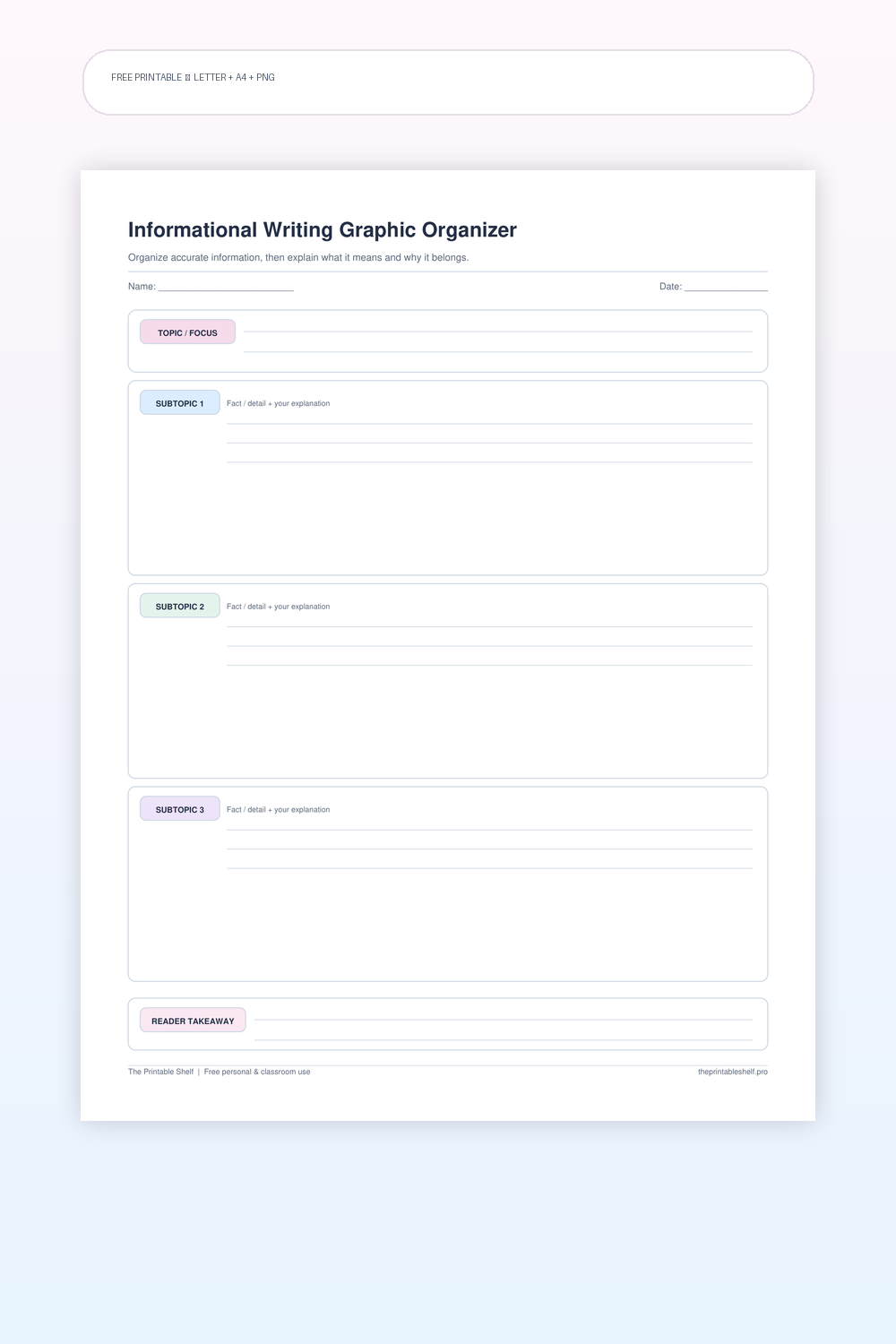
Informational Writing Graphic Organizer
A one-page planning sheet for explanatory and informational writing. It is designed to keep fact collection separate from explanation, because a strong informational paragraph does more than stack facts. The writer chooses a focused topic, groups the most useful information, and identifies the takeaway before drafting.
Free printable
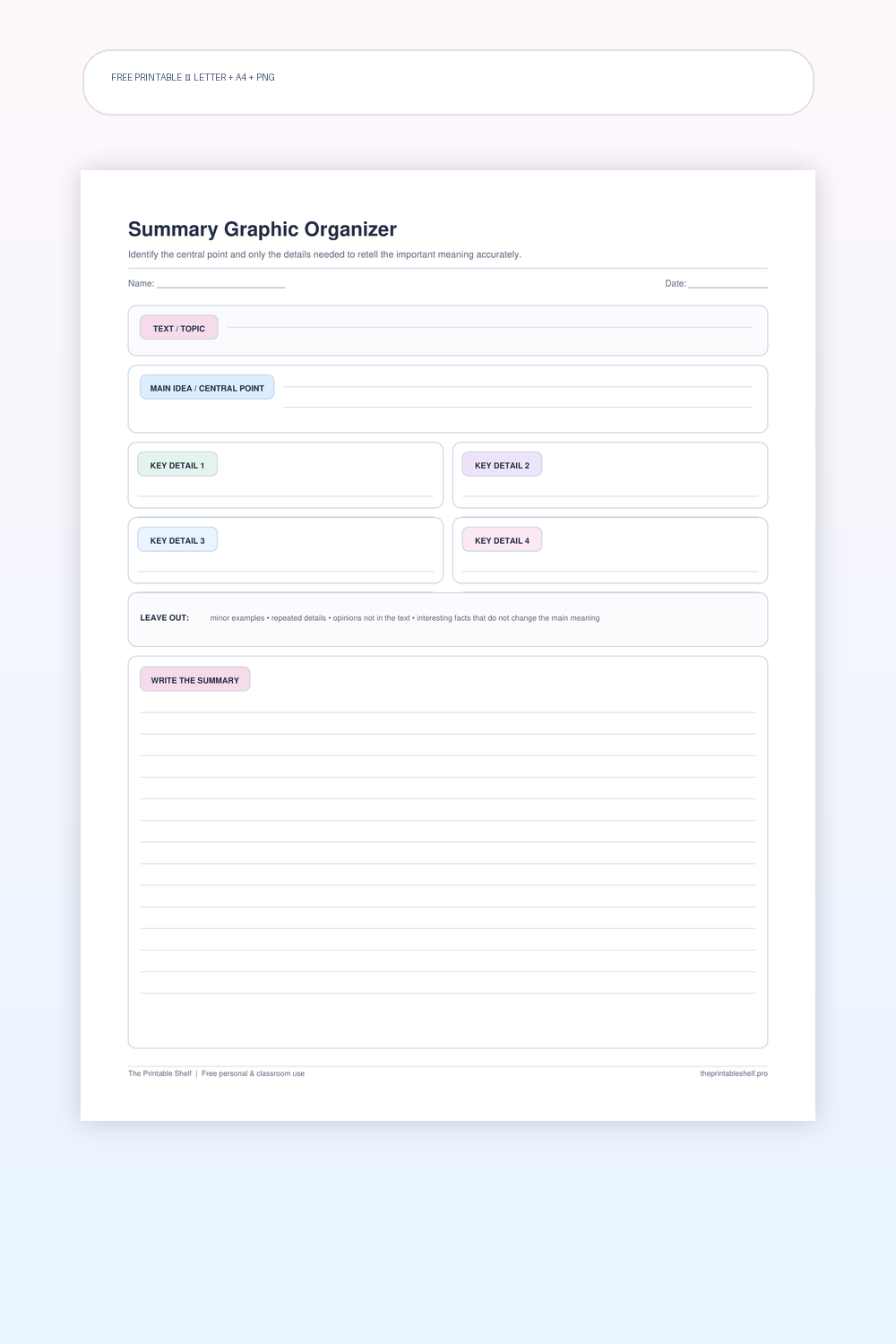
Summary Graphic Organizer
A reading-to-writing scaffold for compressing a text around its most important ideas. The page combines a main-idea box, a small set of key-detail slots, a deliberate 'leave out' check, and a final writing area. It is especially useful when learners can locate details but struggle to rank their importance. Unlike a beginning-middle-end retell, this organizer does not require every event to appear and can be used with nonfiction as well as narrative texts.