Work & Study · Free printable
Free Informational Writing Graphic Organizer
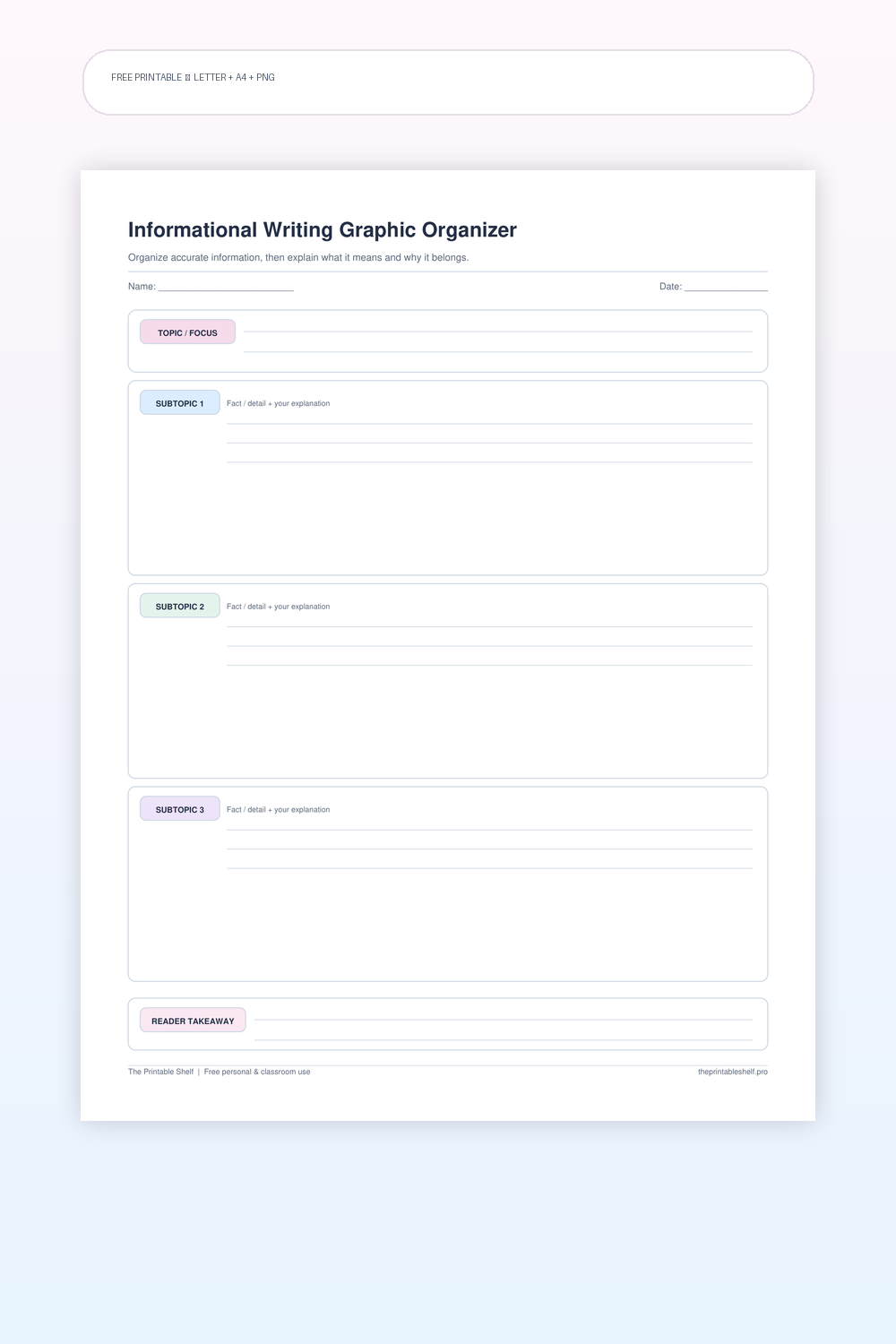
This informational writing organizer helps turn research or background knowledge into a focused explanation. Define the topic, choose three distinct facts or subtopics, add the explanation each one needs, and finish with the main idea you want the reader to remember. Use it before drafting paragraphs, reports, and short explanatory responses.
Edited by Tessa Vaughn · Planning & Organization Editor
Free download
Choose your file size
Print at 100% / Actual Size for the cleanest margins. Pick the paper size your printer normally uses.
Share to Google Classroom ↗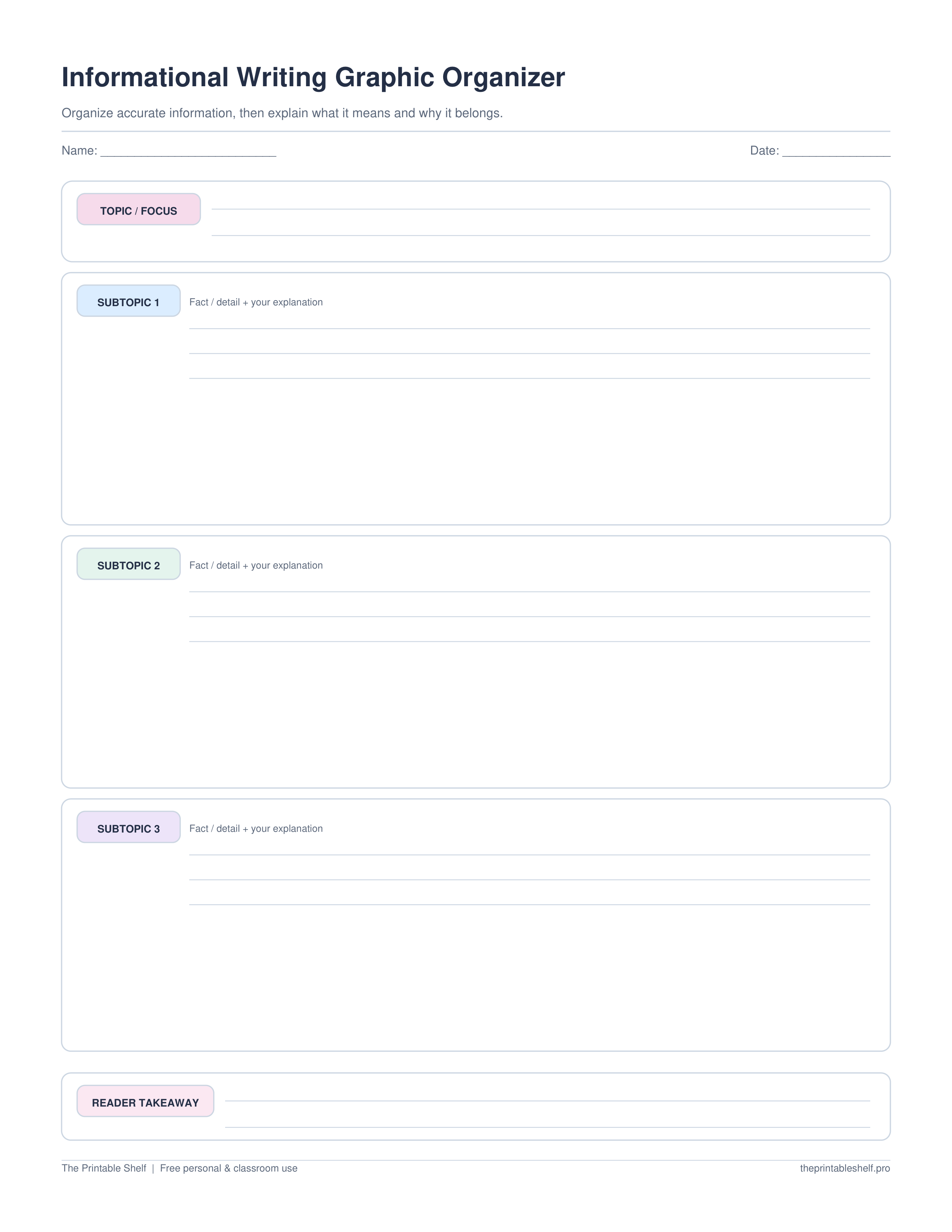
No sign-up required · personal/classroom use
More useful layouts
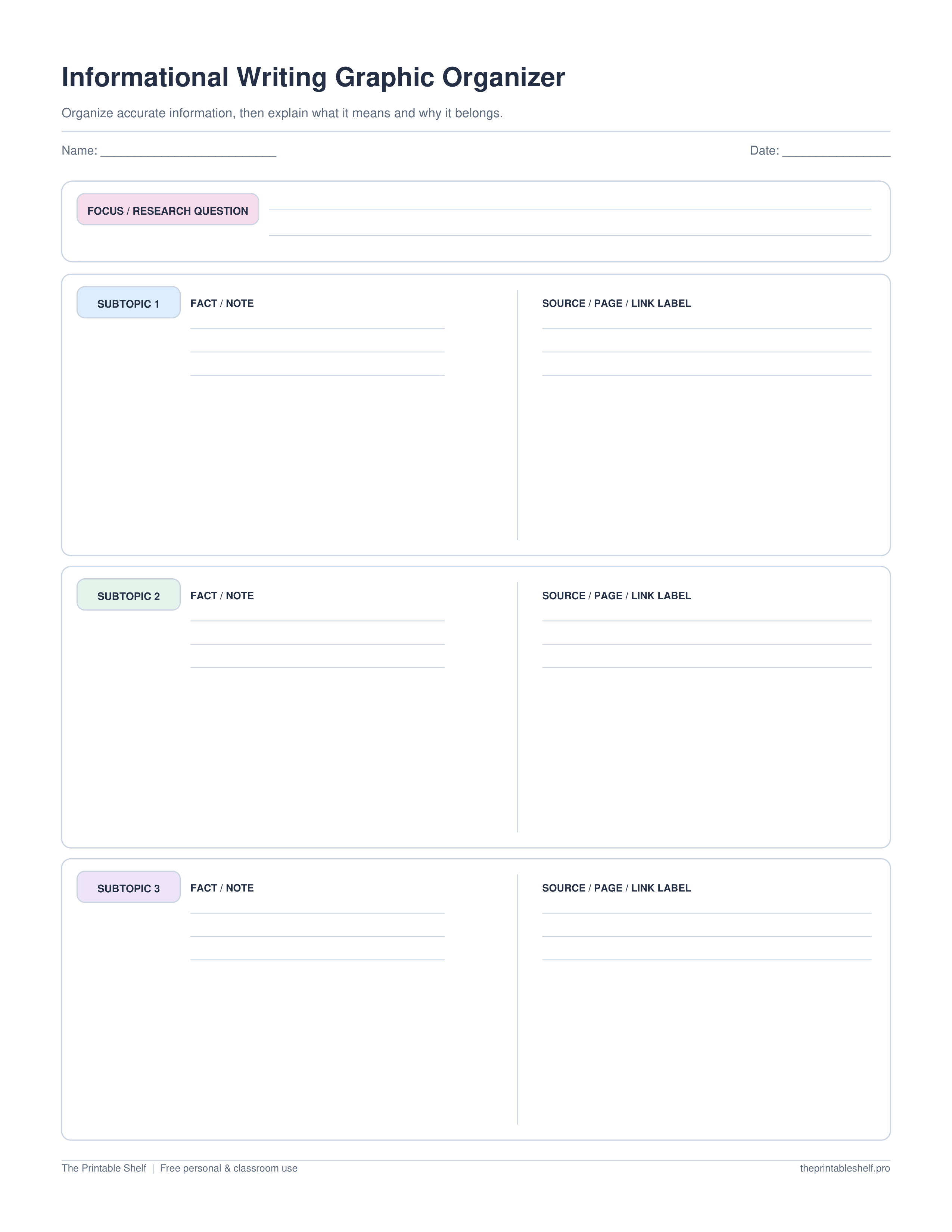
Research notes + sources
Pairs each subtopic’s factual notes with a source/page/link field so research keeps its trail.
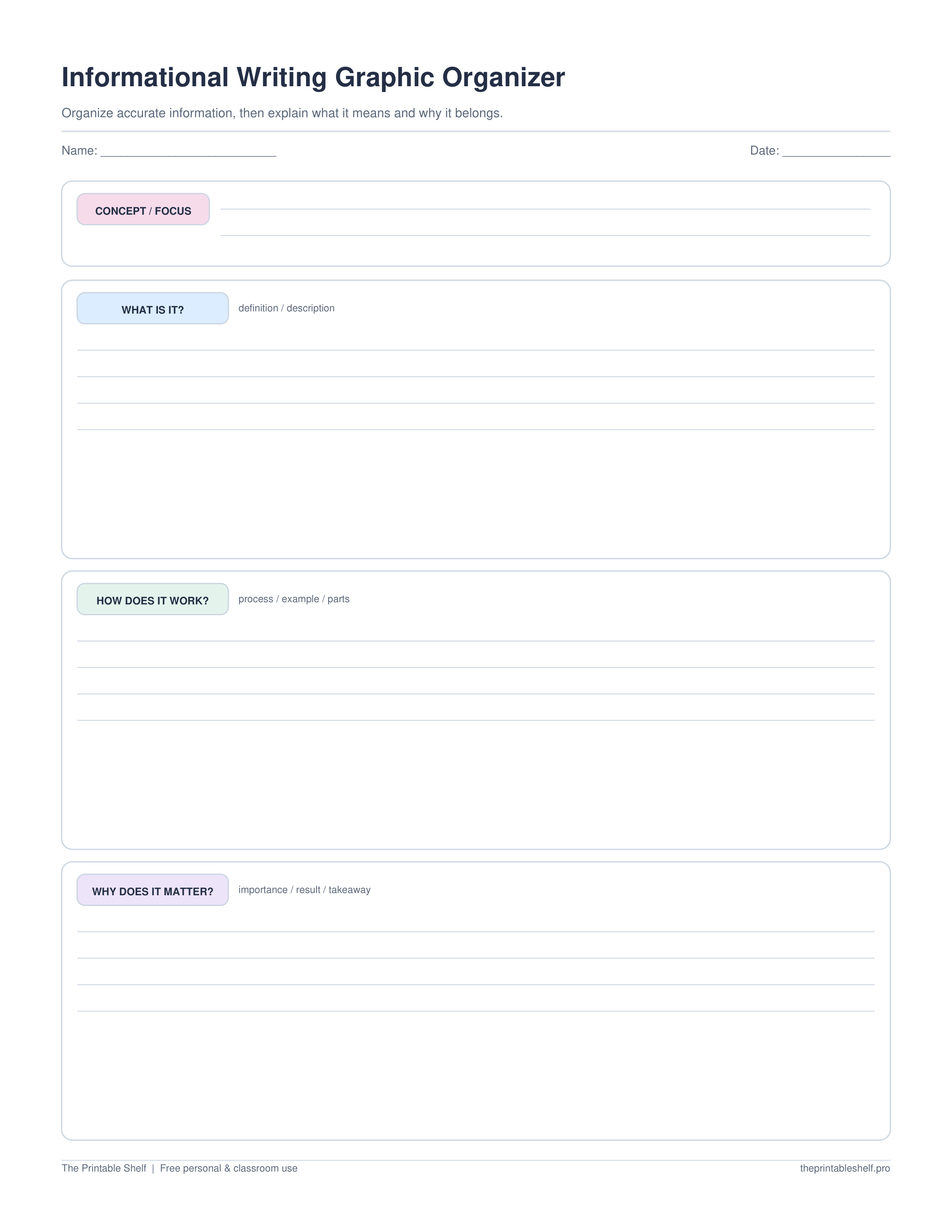
What / how / why it matters
Explains one concept through definition, process/example, and significance instead of stacking unrelated facts.
What is on the page
A one-page planning sheet for explanatory and informational writing. It is designed to keep fact collection separate from explanation, because a strong informational paragraph does more than stack facts. The writer chooses a focused topic, groups the most useful information, and identifies the takeaway before drafting.
A simple way to use it
Start by narrowing the topic. ‘Volcanoes’ may be too broad for one paragraph, while ‘how shield volcanoes form’ gives the writer a clear job. Write the topic and, if helpful, a one-sentence focus statement that says what the reader should understand by the end. This prevents research from turning into a pile of unrelated facts that happen to share a subject.
Collect several facts or notes before choosing what goes into the three planning sections. Then group related information. One section might explain what something is, another how it works, and another why it matters. Or the sections can follow categories such as habitat, diet, and adaptations. The exact structure depends on the topic, but each section should do a different job while supporting the same focus.
Under every fact or subtopic, add an explanation in your own words. Ask, ‘Why does the reader need this fact?’ or ‘What does this detail help explain?’ This step reduces copy-and-paste writing because the organizer requires the writer to make sense of the information before drafting. When research is involved, add a short source label or page number beside notes so facts can be verified later.
Decide the order before writing the draft. Background information usually comes before a process that depends on it; causes usually come before effects; a definition may need to come before examples. Number the sections in the order that makes the explanation easiest to follow. Then plan a final takeaway that answers the question, ‘What is the most important thing the reader should remember after reading this?’
After drafting, compare the paragraph or report with the organizer. Check that every major section appears in the draft, that facts are explained rather than dumped into a list, and that unrelated details have been removed. If the research reveals a better focus halfway through, revise the topic box instead of forcing the new information into the old plan. The organizer should serve the explanation, not trap the writer in the first idea.
For multi-source work, use a short source code beside every research note before the draft begins. When two notes make the same point, choose the clearer or more authoritative source rather than repeating the fact twice. When sources add different pieces, combine them in your explanation while keeping the source trail. This keeps the organizer useful for synthesis instead of turning it into a place where copied facts lose their origin.
Customize instead
Need a different title, paper size, or orientation? →
Use the free Graphic Organizer Maker to build a custom Venn, KWL, Frayer, story map, T-chart, main-idea, sequence, or cause-and-effect page.
Also in a free pack
Download this organizer together with related pages when you want one reusable master PDF instead of separate files.
Works well for
Classroom and home ideas
Short research reports
Group notes into three distinct subtopics and attach a source label before drafting, making it easier to separate research from explanation.
Explanatory paragraphs
Use each planning section for one fact-plus-explanation unit so the draft develops an idea instead of listing disconnected information.
Revision and focus checks
Compare the final draft with the focus box and takeaway. Details that do not help explain that focus are candidates for cutting or moving.
What usually goes wrong
Choosing a topic that is too broad
Narrow the subject until the three sections can explain it meaningfully on one page.
Listing facts without explaining them
Add what each fact shows, why it matters, or how it connects to the focus.
Losing source information
Write a short source name, page, or link label beside research notes before drafting.
Included layout options
Topic + three subtopics
Plan a focused informational paragraph or short report
Layout: Focus, three fact-plus-explanation sections, and reader takeaway
Research notes
Keep evidence attached to where it came from
Layout: Three subtopic rows split into fact/note and source/page/link areas
What / how / why it matters
Explain one concept with a meaningful progression
Layout: What it is, how it works or appears, and why it matters
Classroom fit
Grade bands, standards, and use modes
Suggested grade bands
These are practical use ranges, not hard limits. Text complexity and the amount of teacher modeling matter more than the worksheet alone.
Good fit for
Scaffold level: Standard.
Common Core crosswalk
- W.3.2 · Write informative/explanatory texts that develop a topic
- W.4.2 · Organize related information and develop a topic with facts and details
- W.5.2 · Group related information and develop a topic with facts, definitions, and details
These codes are a practical crosswalk for skills this organizer can support. They are not a claim that the worksheet alone fully teaches or assesses the standard.
Questions people ask
What is informational writing?
Informational writing explains a topic using accurate facts, details, definitions, examples, and connections rather than trying primarily to persuade or tell a fictional story.
Can I use this organizer for research reports?
Yes. It works well for short reports and sections of longer reports, especially when source labels are added beside research notes.
What if I have more than three subtopics?
Use the three most important for a short response, print another page, or move to a larger outline if the assignment requires several developed sections.
Related guides
See where this organizer fits, when a different layout works better, and how to turn the completed page into a useful next step.
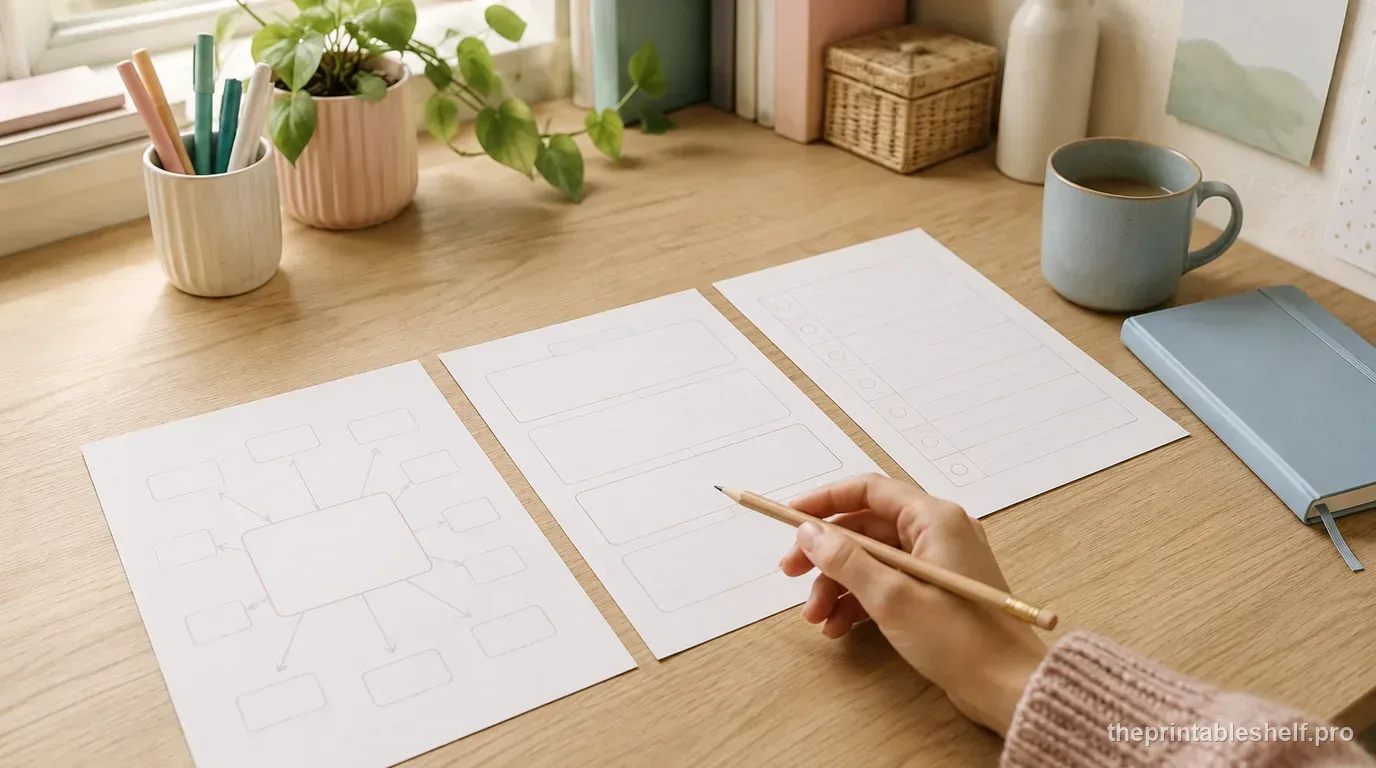
Free Writing Graphic Organizers: Which One to Use and When
Use free writing graphic organizers to plan ideas, structure paragraphs, compare evidence, sequence steps, and organize explanations before drafting.
Read guide →
How to Use Graphic Organizers Effectively (Without Turning Them Into Busywork)
Learn how to choose, model, scaffold, and reuse graphic organizers so students think with them instead of simply filling in boxes.
Read guide →
How to Find the Main Idea and Supporting Details in a Text
Learn how to find a text's main idea and supporting details with a step-by-step method, worked examples, and a free graphic organizer.
Read guide →Keep organizing
You might also like
Free printable
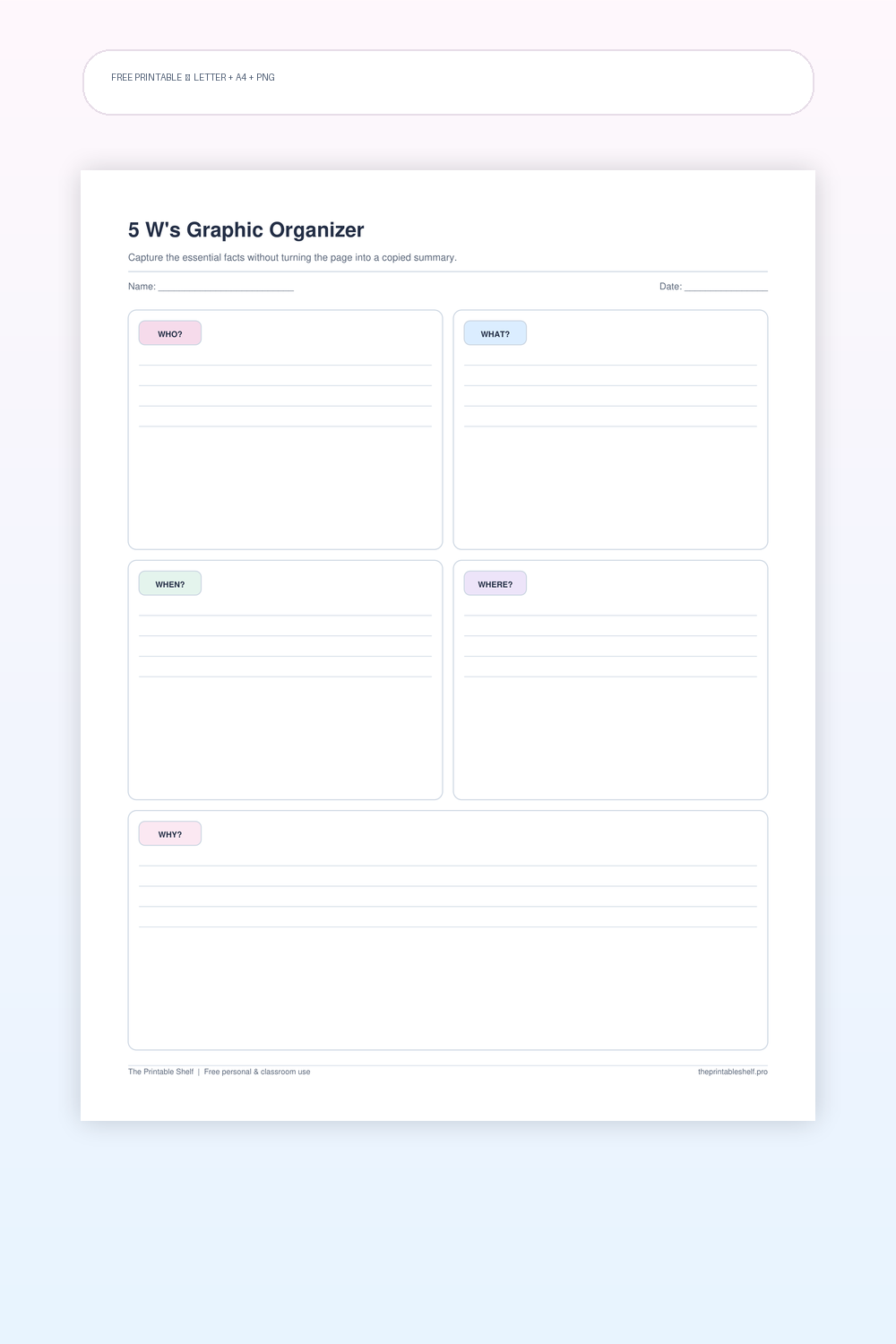
5 W's Graphic Organizer PDF (5W and 5W+1H)
A five-part fact and comprehension organizer with one clear writing area for each of the classic 5 W questions. The structure is simple enough for elementary reading work but flexible enough for research notes, current-events summaries, biographies, interviews, and prewriting when a topic needs basic context before deeper analysis.
Free printable
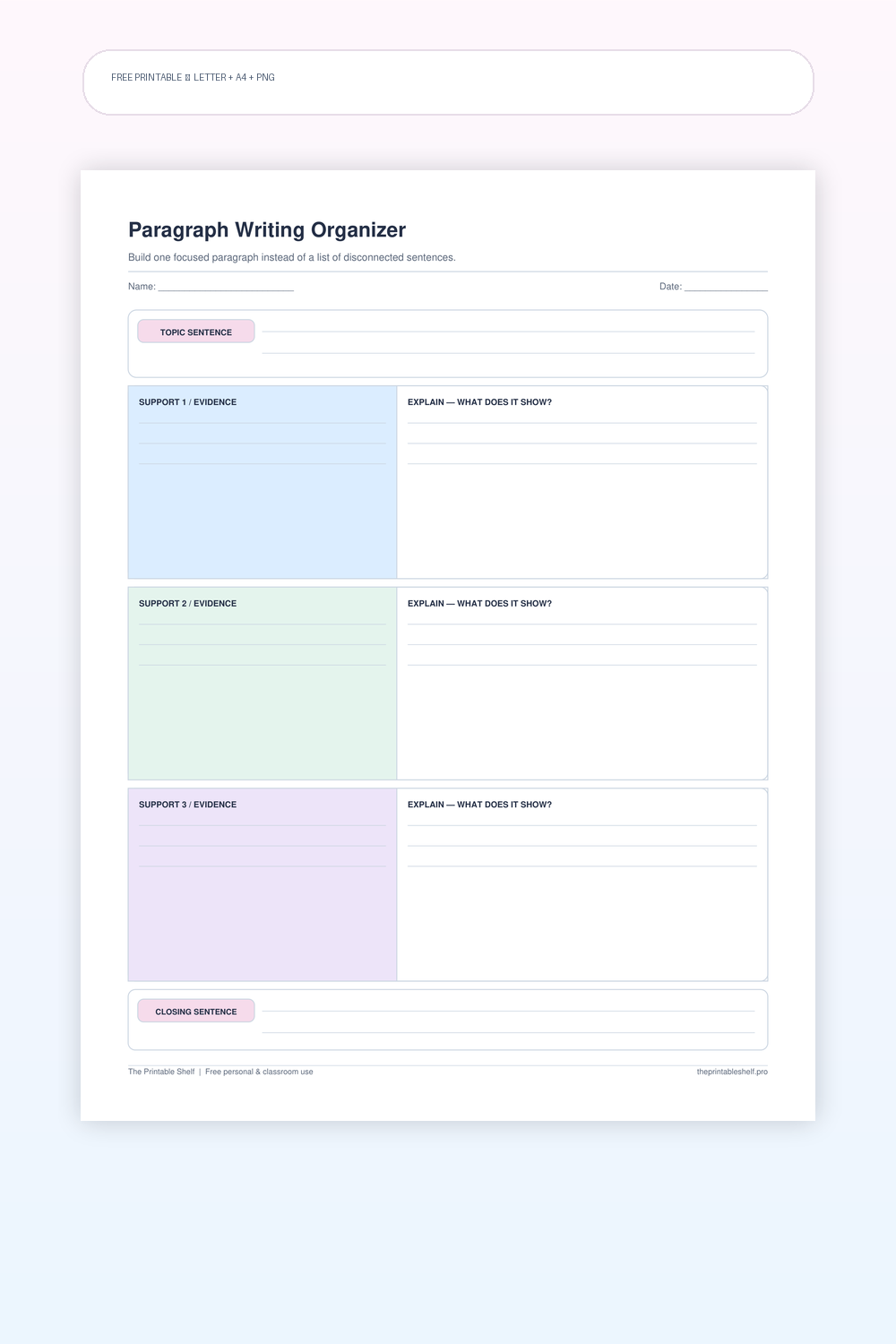
Paragraph Writing Graphic Organizer
A structured single-paragraph planner that separates the job of each sentence group: establish the controlling idea, support it with relevant points, explain those points, and close without introducing a new topic. The layout borrows the clarity of a hamburger-style organizer but avoids treating paragraph writing as a rigid five-sentence formula when a supporting idea needs more than one sentence.
Free printable
Main Idea and Details Graphic Organizer PDF
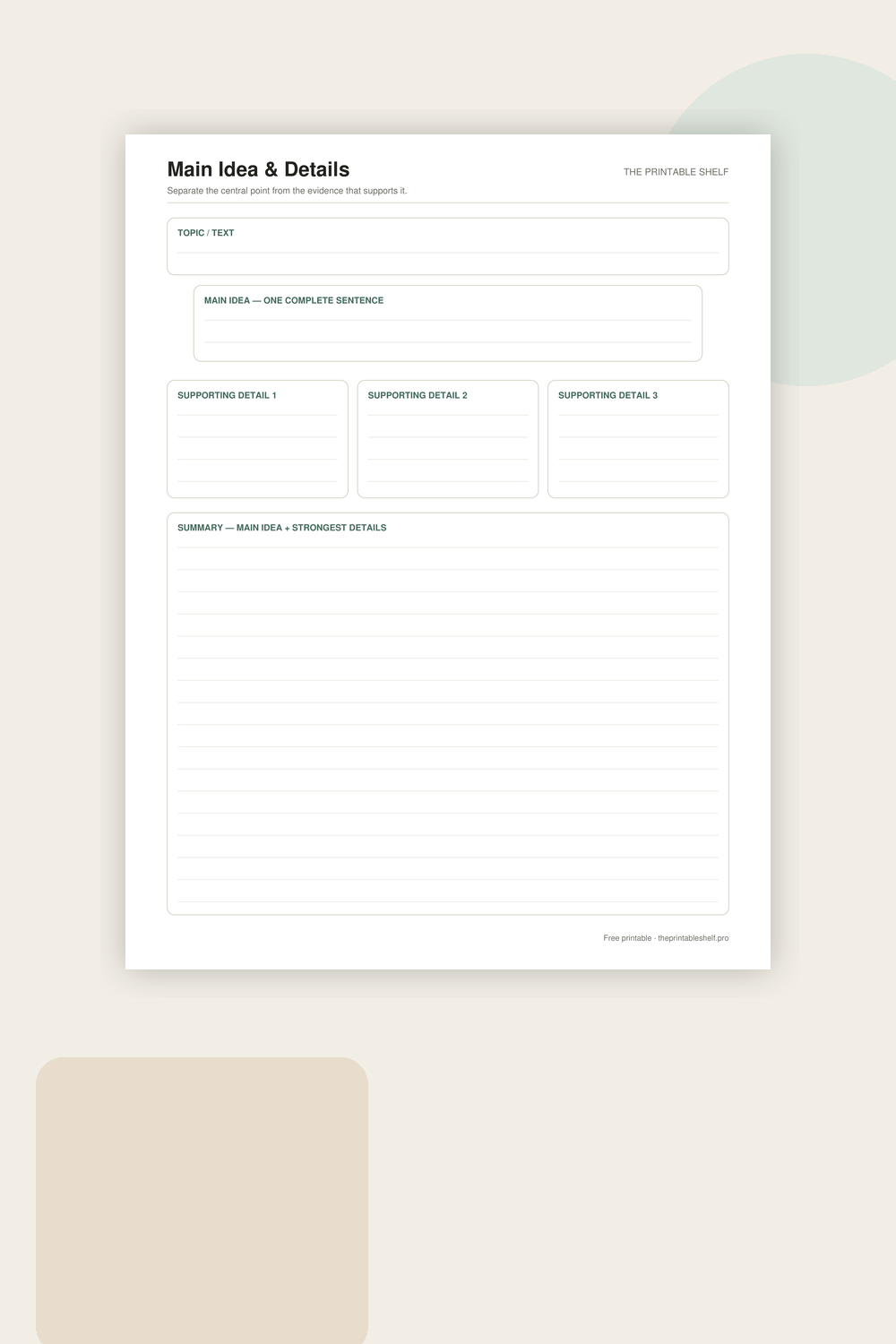
A reading and note-taking organizer built around one central idea and three pieces of support. The extra topic box helps learners distinguish a broad subject from the author’s actual main point, while the final summary asks them to recombine the important information in their own words.