Work & Study · Free printable
Free Cause and Effect Graphic Organizer
Use this cause and effect graphic organizer to connect why something happened with what happened as a result. The page includes a focus event plus three clearly paired cause-and-effect rows, making it useful for reading, science, history, and process analysis. Download it in Letter, A4, or PNG format.
Edited by Tessa Vaughn · Planning & Organization Editor
Free download
Choose your file size
Print at 100% / Actual Size for the cleanest margins. Pick the paper size your printer normally uses.
Share to Google Classroom ↗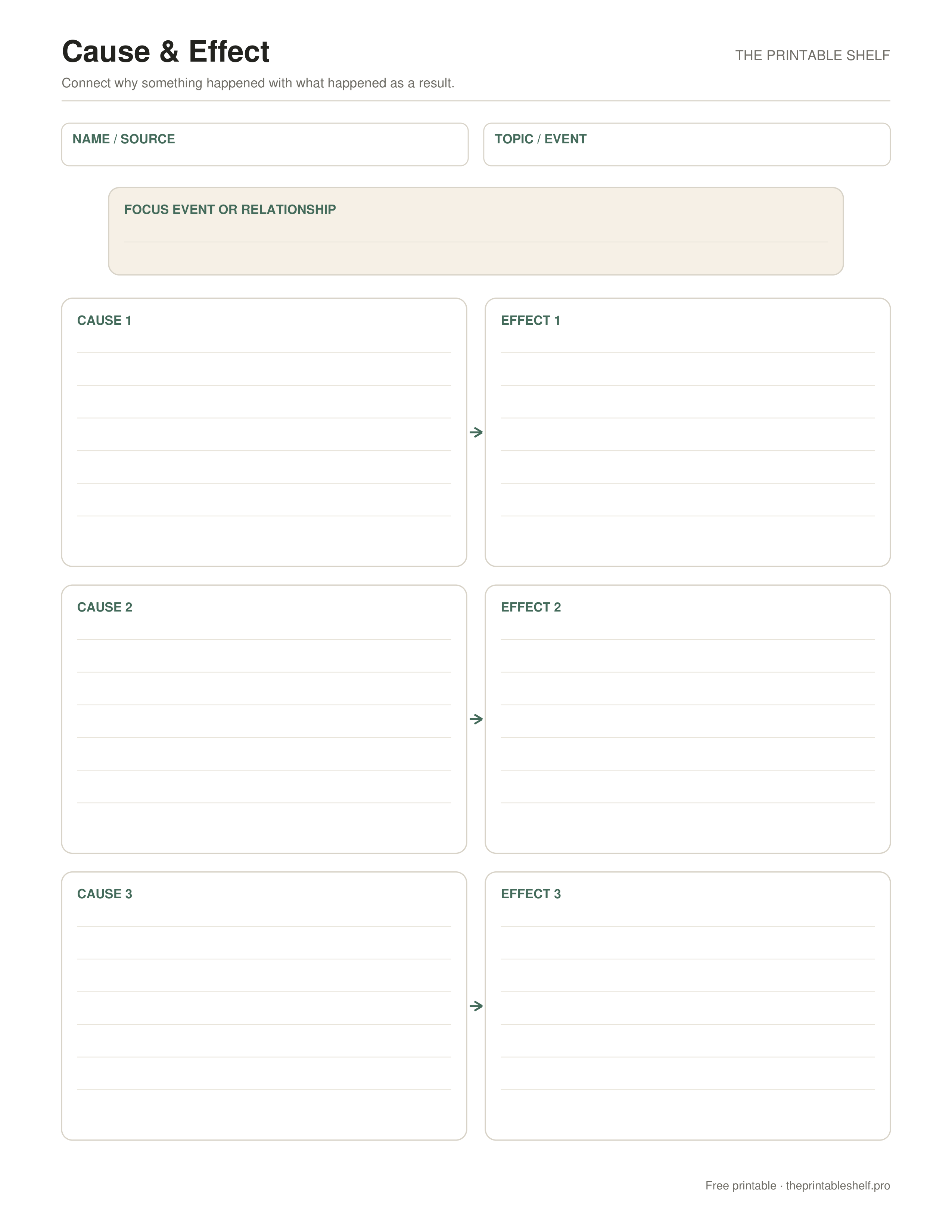
No sign-up required · personal/classroom use
About this printable
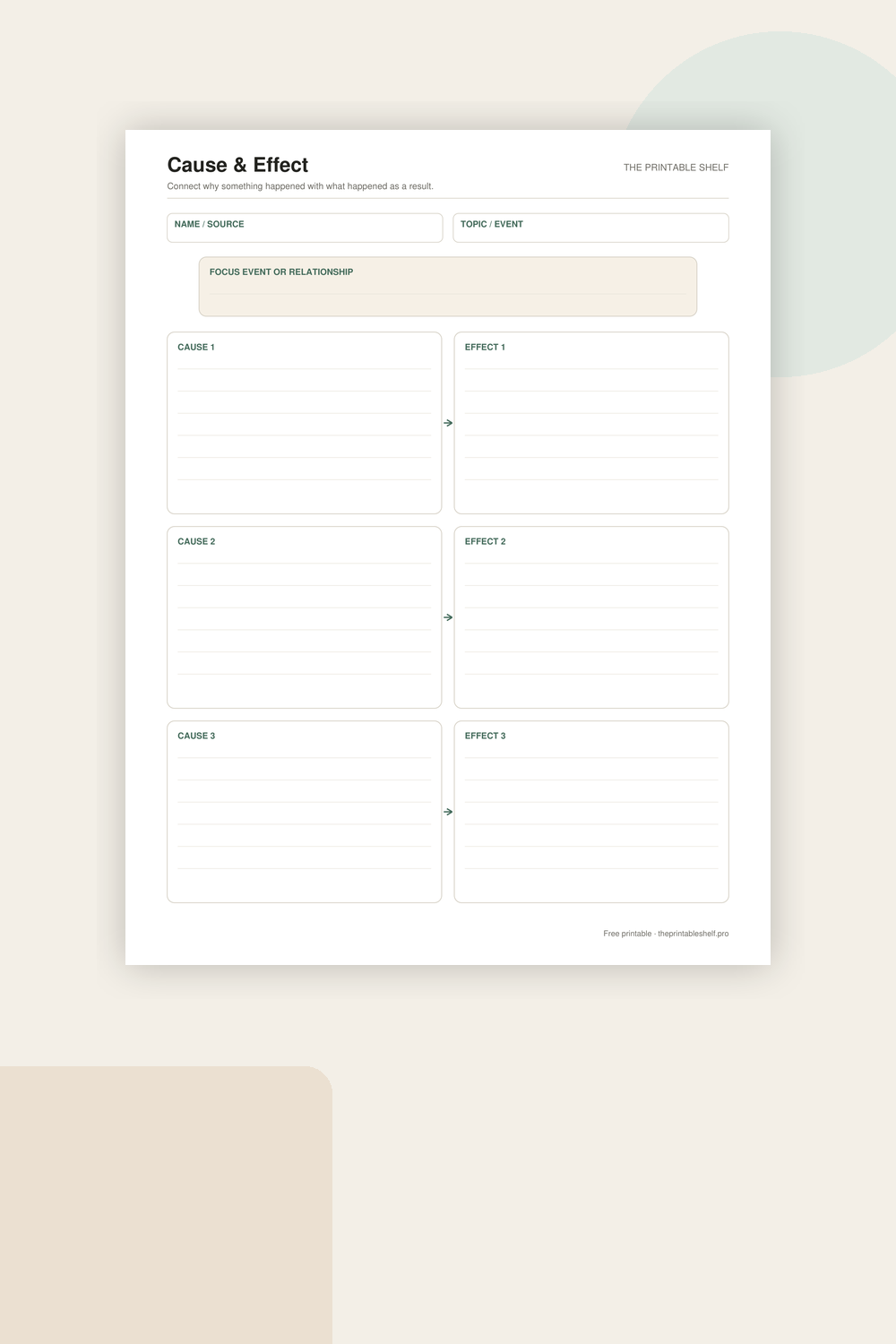
A one-page organizer for examining causal relationships instead of simply listing events. Each cause is visually connected to its effect, and the focus box at the top gives the page one clear subject so students can analyze several relationships without losing track of the larger event, text, or concept.
Using it in class or at home
Start with the Focus Event or Relationship box. Name the event, issue, process, or section of text you are studying in a few words. This anchor matters when a passage contains several events, because it keeps the three rows connected to one question instead of turning the page into three unrelated examples. For a science lesson, the focus might be erosion; for a story, it might be a character's decision.
In each Cause box, write what made something happen. Look for evidence rather than guessing. Signal words such as because, since, due to, as a result of, or if can help, but not every text states the cause directly. When the cause has to be inferred, point to the detail that supports the inference. A cause can be an action, condition, decision, or earlier event.
Write the corresponding result in the Effect box on the same row. Keep the relationship specific enough that you can read the row as a sentence: “Because ___ happened, ___ happened as a result.” If that sentence sounds illogical, the pair probably needs revision. Some situations have one cause with several effects or several causes contributing to one effect; use multiple rows to show those relationships instead of forcing everything into one box.
After recording the cause-and-effect relationships the task needs, compare the completed rows. Ask whether the effects build on one another, whether one cause is more important than the others, or whether an effect later becomes a new cause. That final check is especially useful in history and narrative reading, where chains of events are common. You can number the rows or draw a small connecting mark if the relationships form a sequence.
For independent work, ask the learner to underline the text evidence that supports each pair before writing it on the organizer. For prewriting, reverse the process: put the result you want to explain in the focus box, brainstorm possible causes, and then decide which ones are strong enough to develop. The organizer is most valuable when it helps explain a relationship, not when it becomes a vocabulary exercise about the words cause and effect themselves.
Fill it online
Type directly into this organizer →
Your answers autosave only in this browser. Print or save the filled page as PDF, download a high-resolution PNG, or clear it and start again—no account required.
Customize instead
Need a different title, paper size, or orientation? →
Use the free Graphic Organizer Maker to build a custom Venn, KWL, Frayer, story map, T-chart, main-idea, sequence, or cause-and-effect page.
Also in a free pack
Download this organizer together with related pages when you want one reusable master PDF instead of separate files.
Choose the support level
Blank, guided, example, or fill online
Use the blank page when students already know the routine. Choose the guided version when they need short prompts inside the sections. A completed example is available when this template benefits from modeling, and the online version lets students type before printing.
Blank
Independent use →
The standard printable with open writing space and no embedded hints. Download the Letter PDF.
Guided
Prompted scaffold
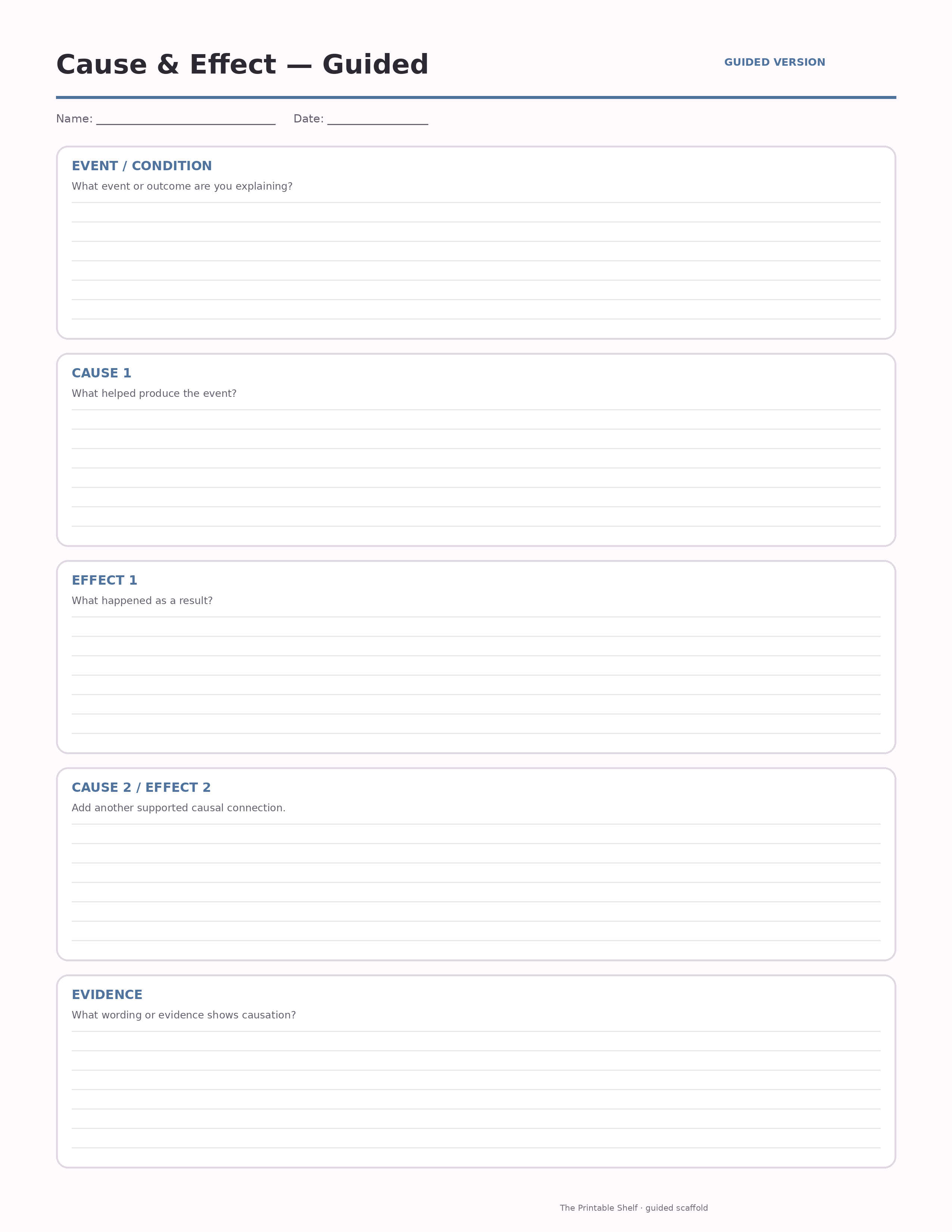
A scaffolded version with short prompts inside each section to help students know what kind of evidence or thinking belongs there.
Model
Completed example ↓
Use the finished sample to model the thinking before students work independently.
Online
Type before printing →
Autosave locally, print/save as PDF, or export the filled organizer as PNG.
Teaching set · 3 pages
Blank + guided + completed example in one PDF
Print the model first, practice with prompts, then move to the blank page without downloading three separate files.
Completed example
Worked page to compare against
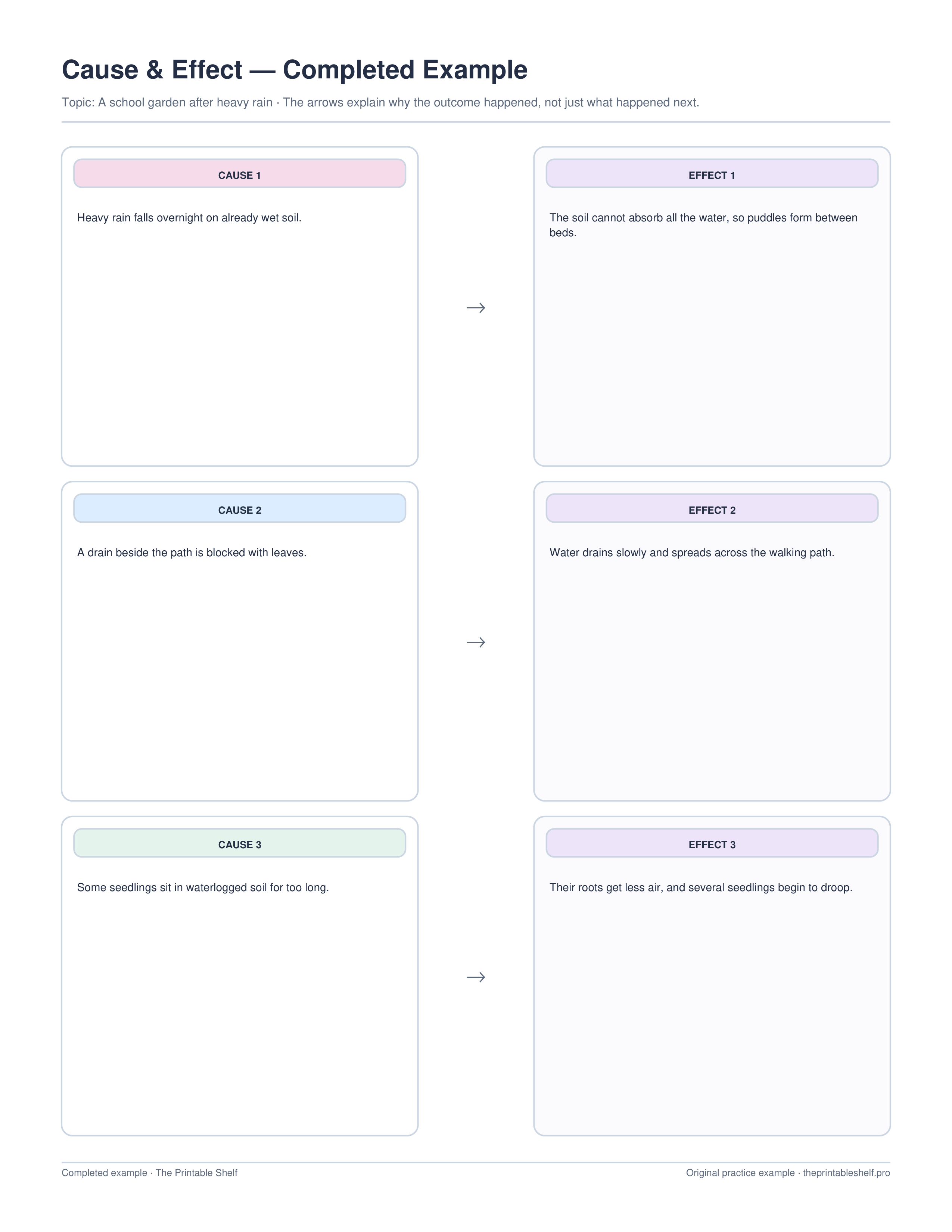
This filled example links three specific conditions after heavy rain to three explainable effects, showing why a cause-and-effect organizer needs a reasoned connection rather than simple chronology.
Best uses for this template
Ideas for using this page
Explain why something happened
Write a cause only when the text, evidence, or reasoning shows how it helps produce the effect rather than simply appearing earlier.
Track multiple relationships
Use separate rows or branches when one event has several consequences or when several conditions contribute to one result.
Prepare an explanation
Turn the completed arrows into sentences using because, therefore, as a result, or other language that makes the causal link explicit.
Mistakes to watch for
Treating sequence as cause
Ask what evidence shows that the first event influenced the second. Earlier does not automatically mean causal.
Using a cause that is too broad
Name the specific condition, action, or event that connects to the effect you are explaining.
Drawing arrows without explaining the relationship
Add a short phrase or later sentence that tells how or why the cause leads to the effect.
Classroom fit
Where it fits: grades and standards
Suggested grade bands
These are practical use ranges, not hard limits. Text complexity and the amount of teacher modeling matter more than the worksheet alone.
Good fit for
Scaffold level: Standard.
Common Core crosswalk
- RI.3.3 · Describe relationships among events, ideas, or steps
- RI.5.5 · Compare and contrast structures including cause/effect
These codes are a practical crosswalk for skills this organizer can support. They are not a claim that the worksheet alone fully teaches or assesses the standard.
Quick answers
What is the difference between a cause and an effect?
A cause explains why something happened. An effect is the result that happened because of that cause.
Can one cause have more than one effect?
Yes. Use separate rows for additional effects, or repeat the same cause briefly when several results come from it.
Can I use this organizer for science and history?
Yes. It works anywhere you need to explain relationships between conditions, actions, events, and their results.
Guides that go with this page
See where this organizer fits, when a different layout works better, and how to turn the completed page into a useful next step.
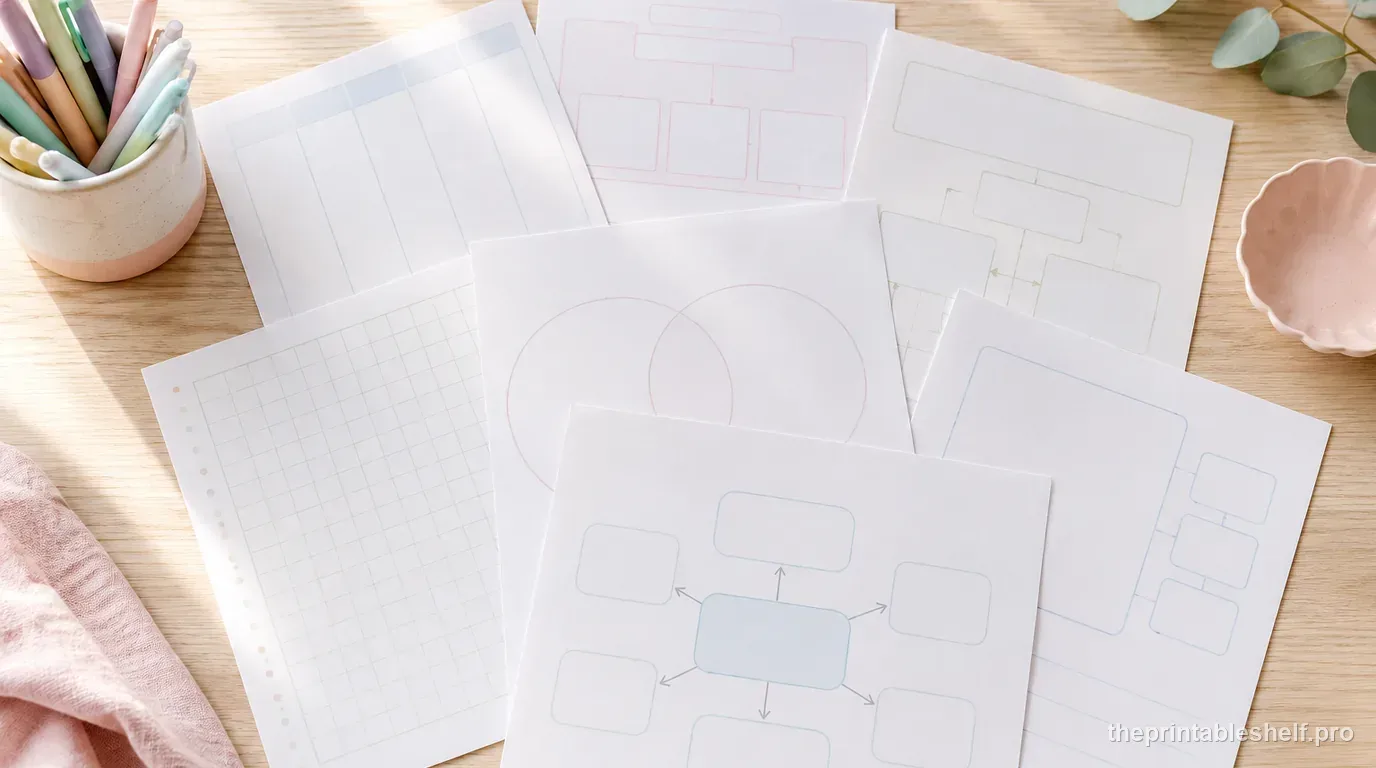
10 Free Graphic Organizers for Reading, Writing, and Studying
Download 10 free graphic organizers for reading, writing, comparison, vocabulary, sequencing, and study. Includes a guide to choosing the right one.
Read guide →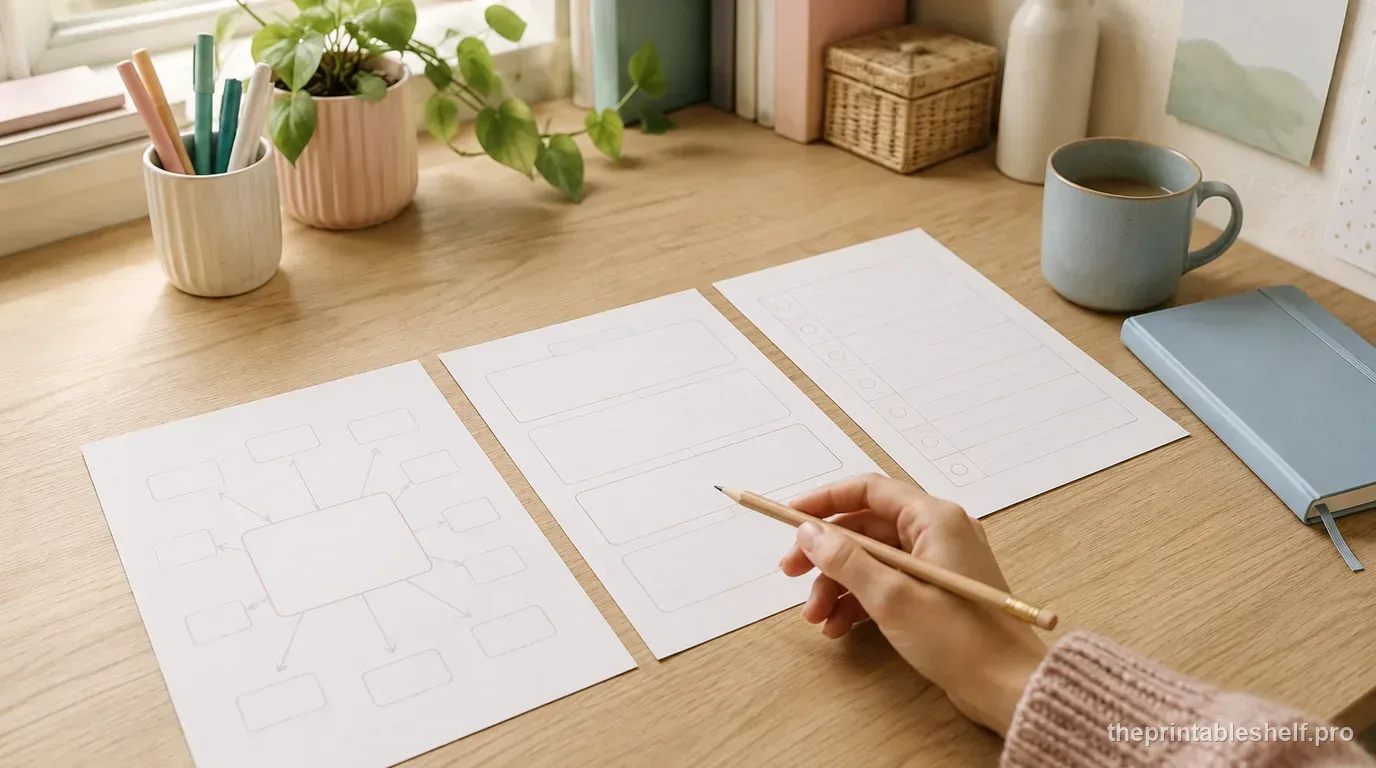
Free Writing Graphic Organizers: Which One to Use and When
Use free writing graphic organizers to plan ideas, structure paragraphs, compare evidence, sequence steps, and organize explanations before drafting.
Read guide →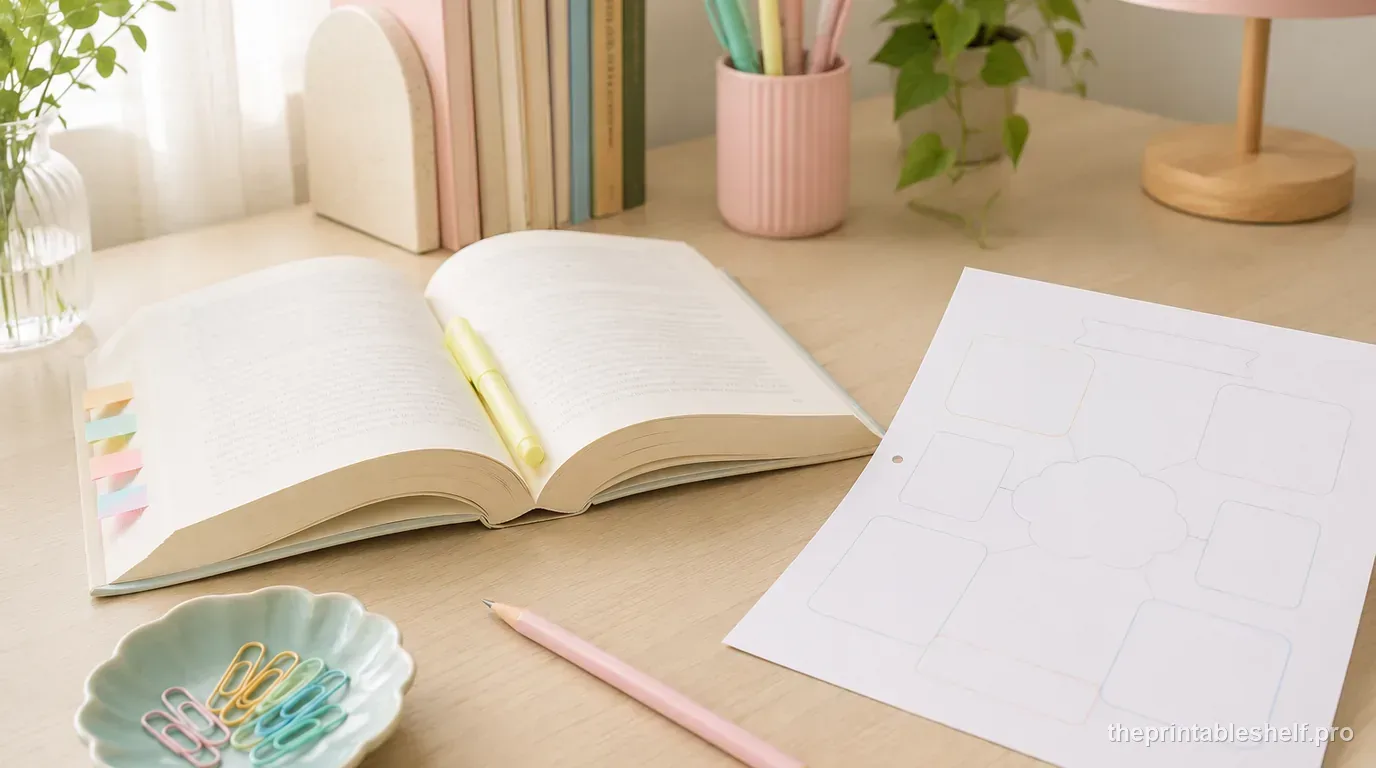
Free Reading Comprehension Graphic Organizers by Reading Skill
Free reading comprehension graphic organizers for story elements, main idea, sequence, cause and effect, comparison, vocabulary, and prior knowledge.
Read guide →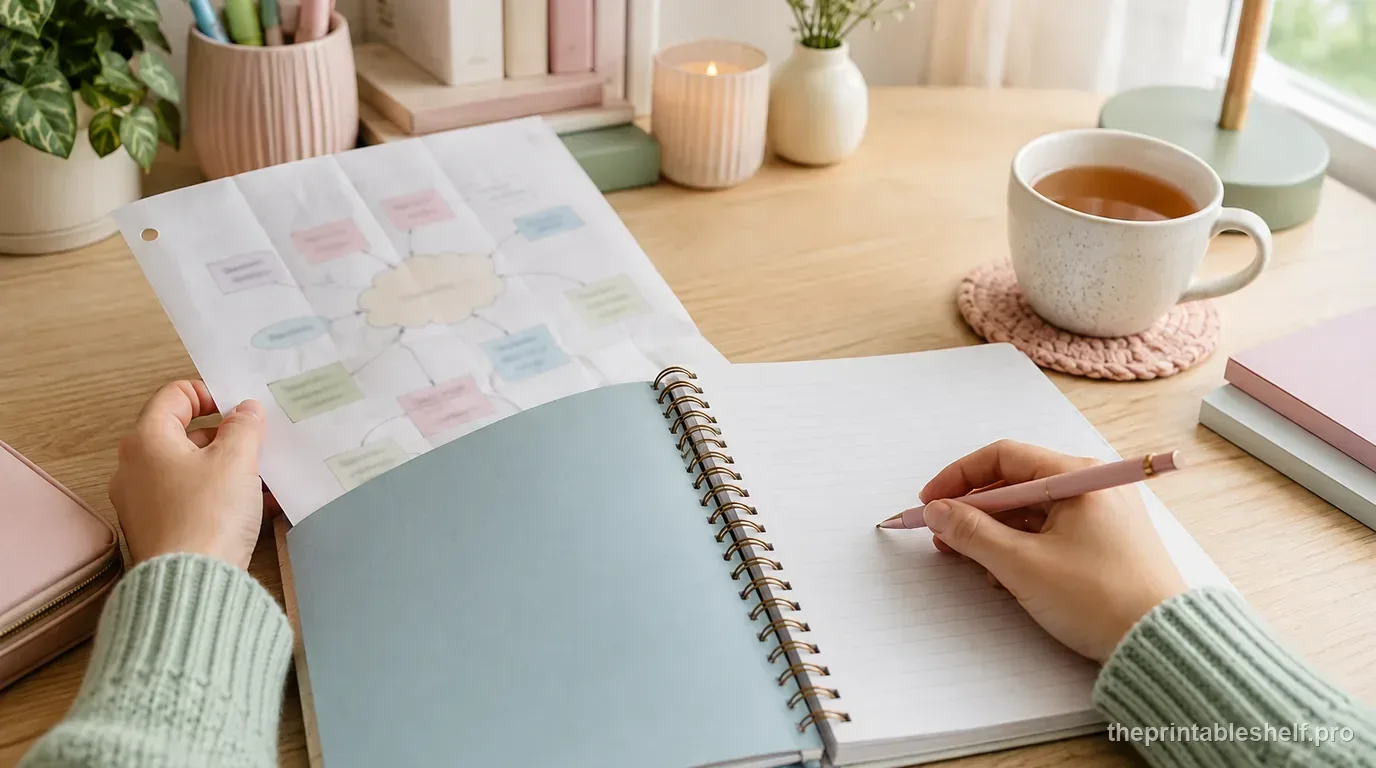
How to Use Graphic Organizers Effectively (Without Turning Them Into Busywork)
Learn how to choose, model, scaffold, and reuse graphic organizers so students think with them instead of simply filling in boxes.
Read guide →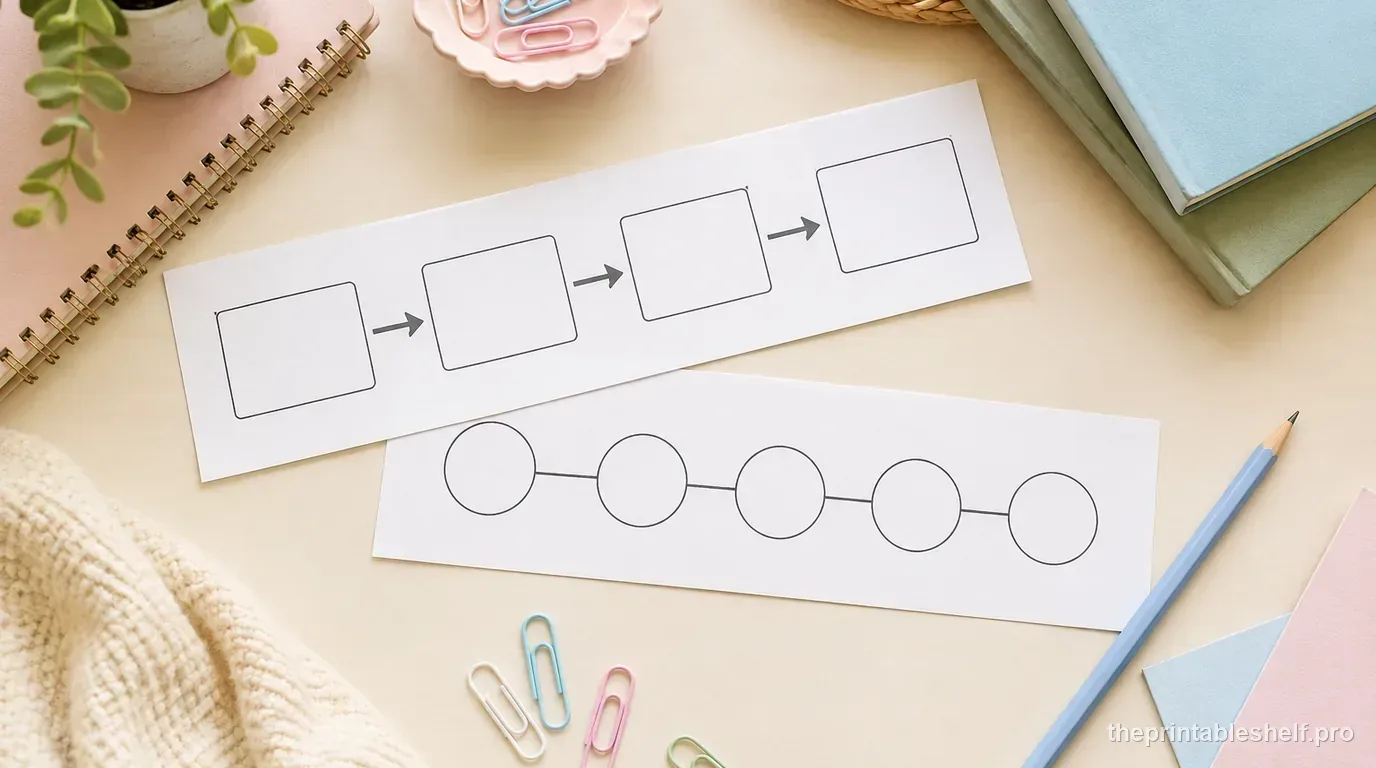
Cause and Effect vs. Sequence: How to Tell the Difference
Learn the difference between cause and effect and sequence, spot each text structure, and choose the right graphic organizer for reading or writing.
Read guide →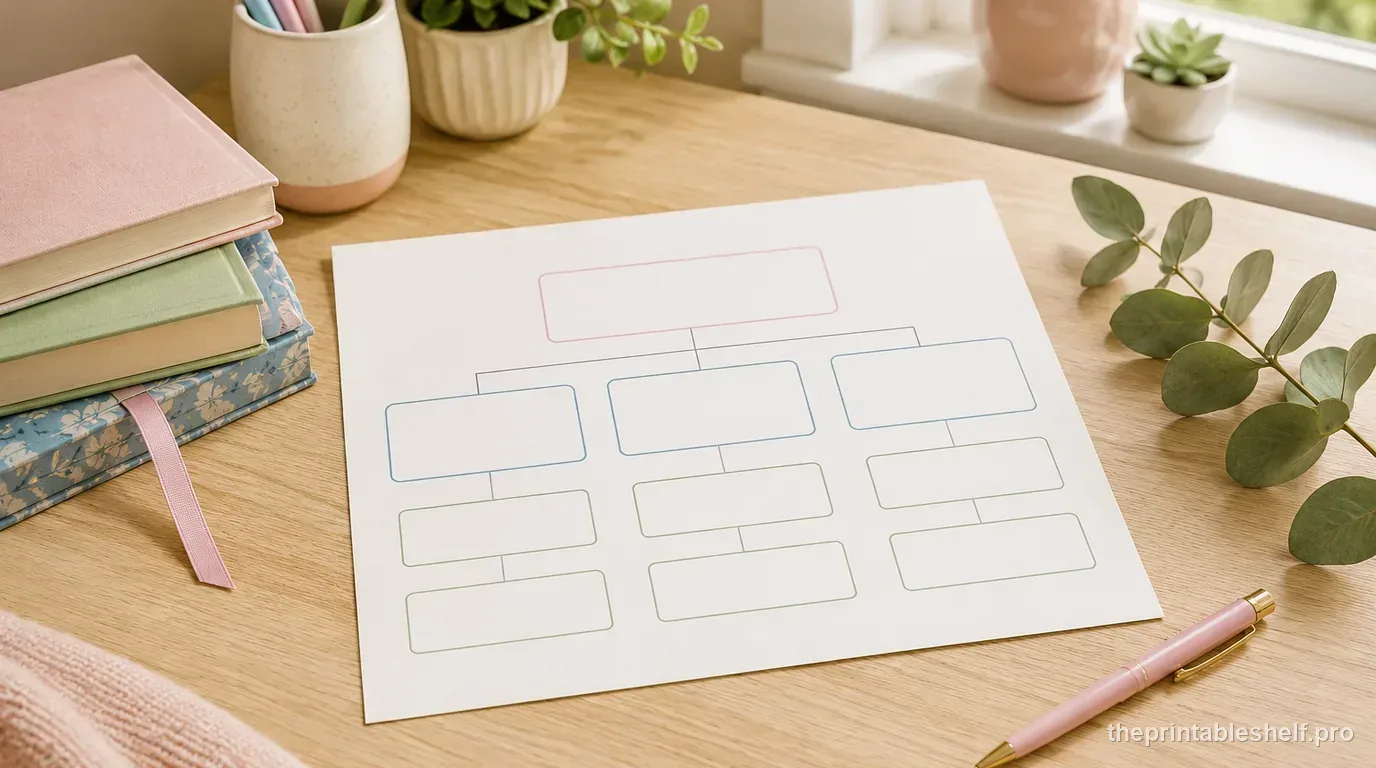
How to Use a Story Map for Better Reading Comprehension
Learn how to use a story map for characters, setting, problem, key events, and resolution, with a worked example and common fixes.
Read guide →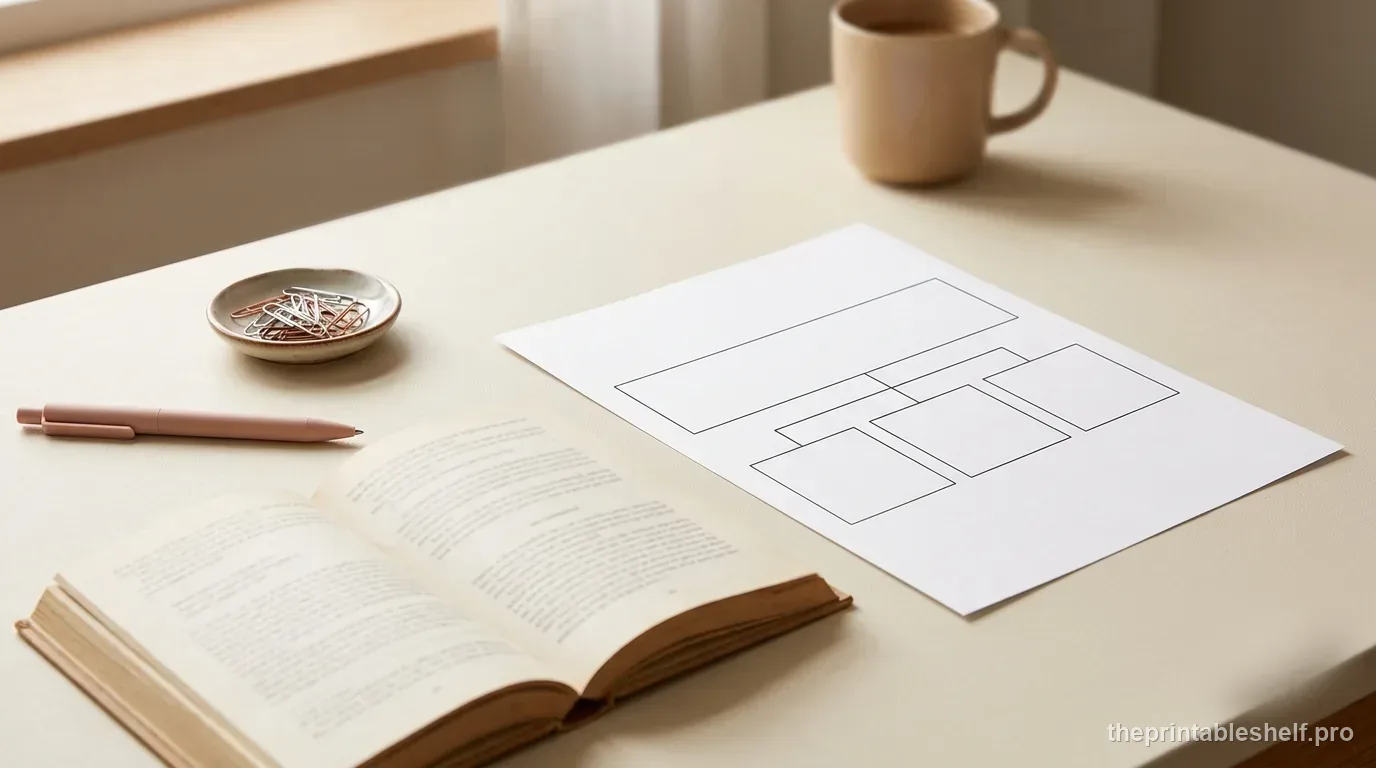
How to Find the Main Idea and Supporting Details in a Text
Learn how to find a text's main idea and supporting details with a step-by-step method, worked examples, and a free graphic organizer.
Read guide →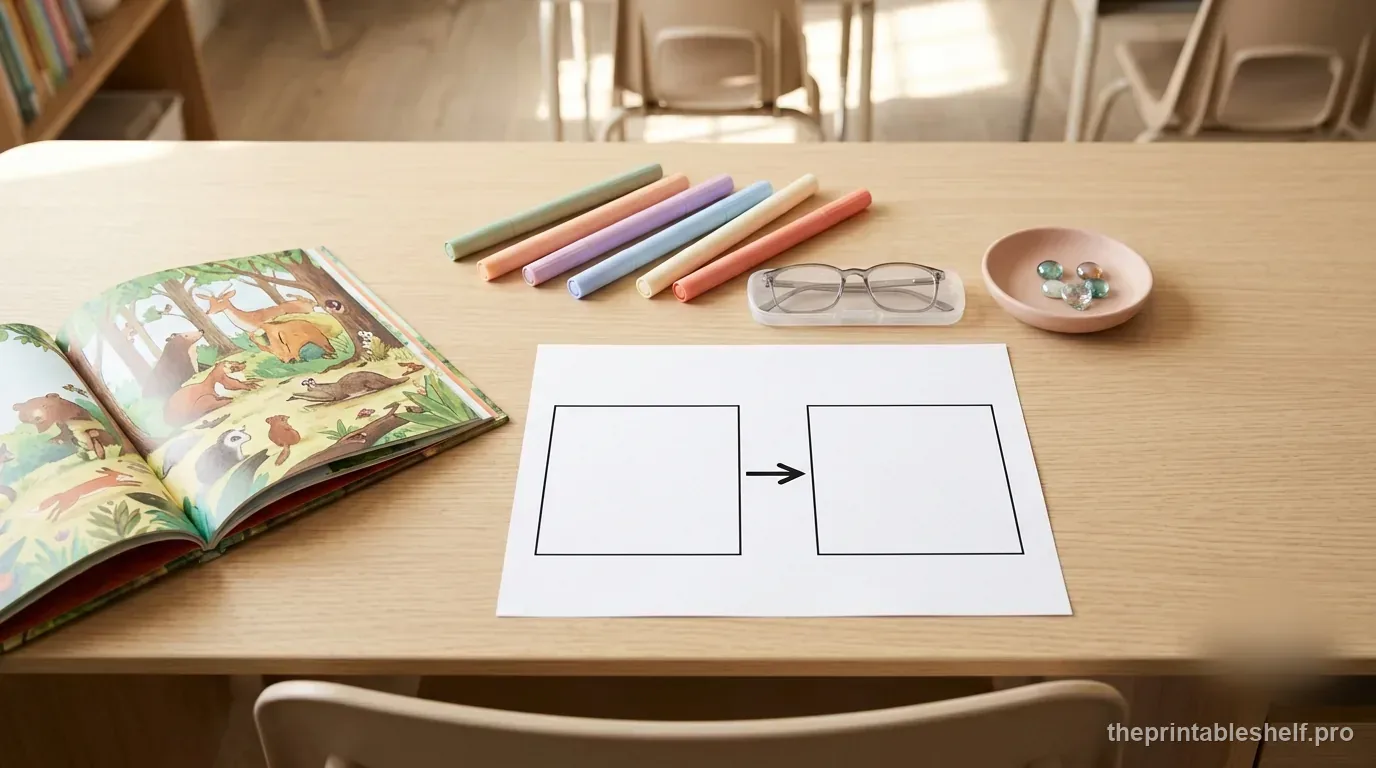
How to Teach Cause and Effect in Reading Without Teaching a Guessing Game
Teach cause and effect in reading with a practical routine for identifying real causal links, using evidence, and avoiding common student misconceptions.
Read guide →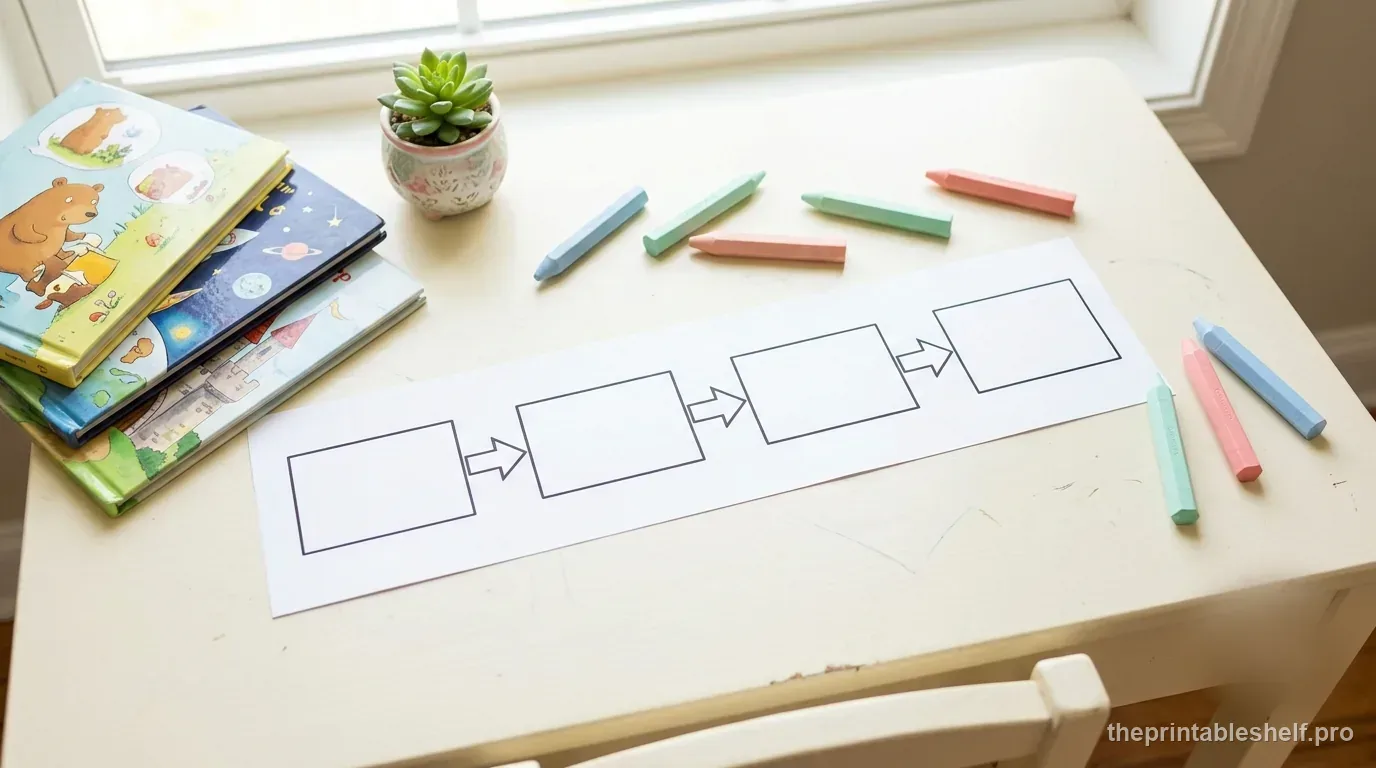
How to Teach Sequence of Events in Reading Beyond First, Next, Then, Last
Teach sequence of events in reading with a step-by-step routine for choosing key events, using order clues, retelling, and avoiding overloaded timelines.
Read guide →How to Identify Informational Text Structure
Learn how to identify description, sequence, cause/effect, compare/contrast, and problem/solution from idea relationships—not signal words alone.
Read guide →Keep organizing
You might also like
Free printable
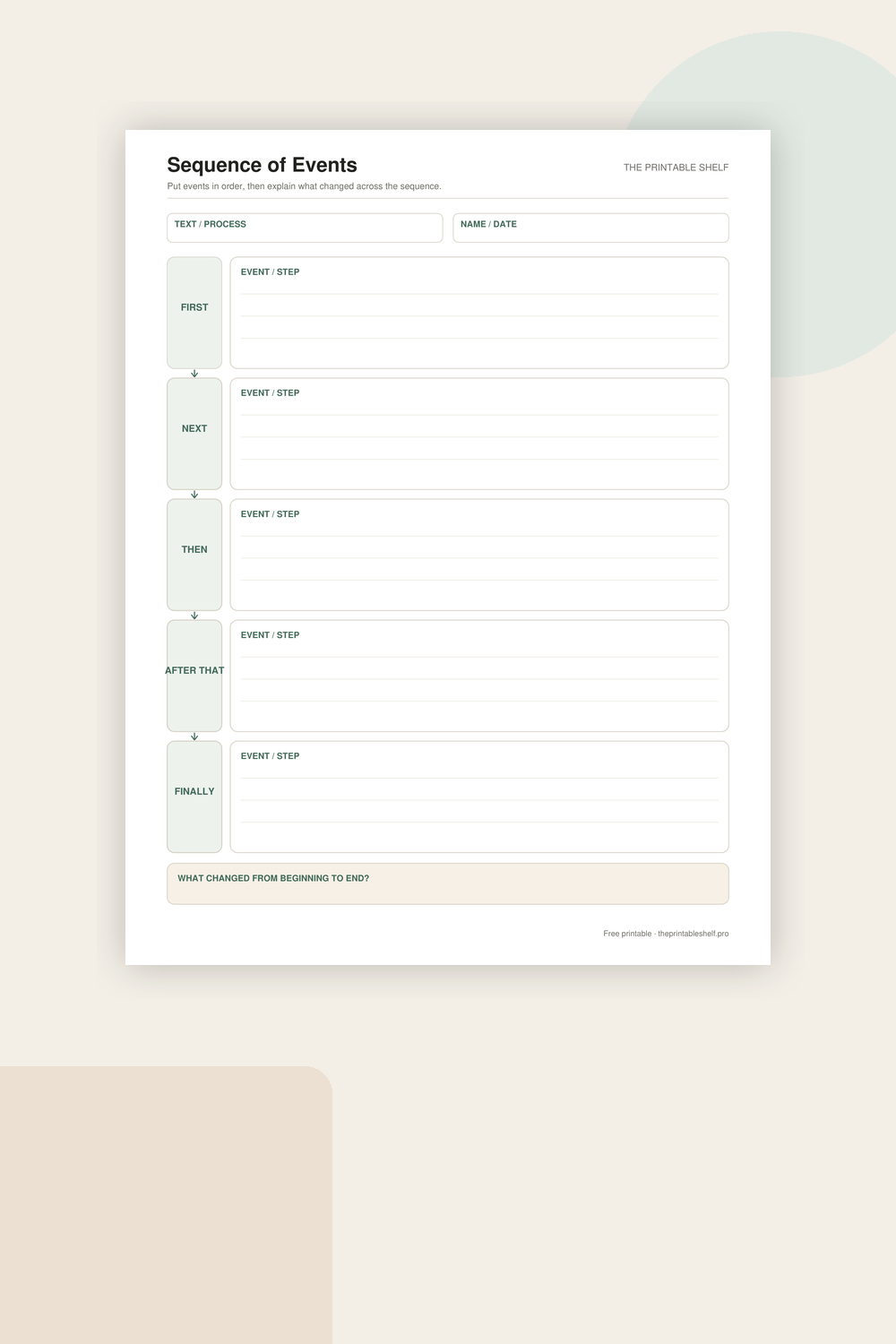
Sequence of Events Graphic Organizer
A vertical sequence chain that makes order visible without squeezing each event into tiny boxes. Five linked writing areas support short event summaries or process steps, and a final reflection box pushes the learner to notice the overall change from beginning to end rather than merely copying chronology.
Free printable
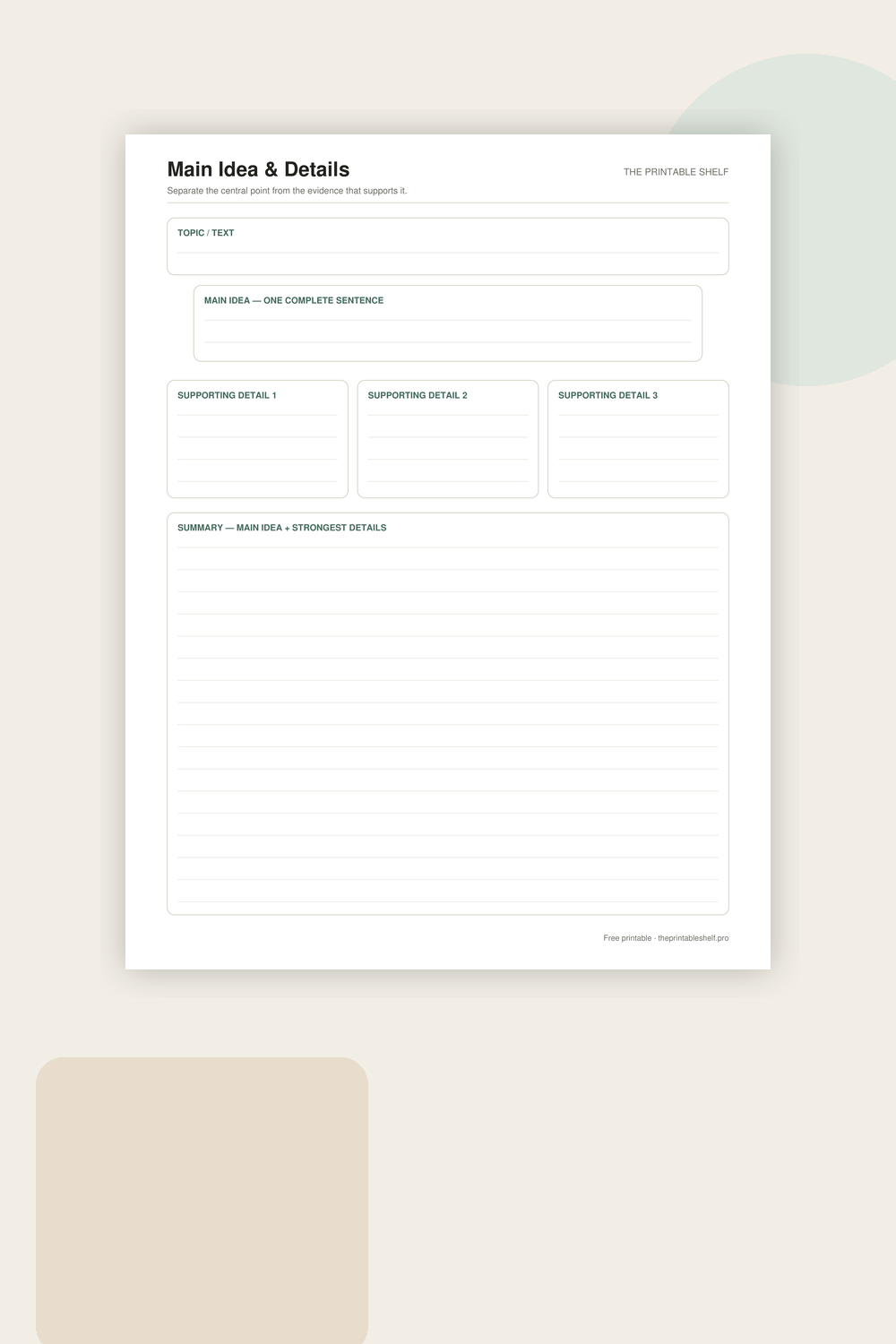
Main Idea and Details Graphic Organizer PDF
A reading and note-taking organizer built around one central idea and three pieces of support. The extra topic box helps learners distinguish a broad subject from the author’s actual main point, while the final summary asks them to recombine the important information in their own words.
Free printable
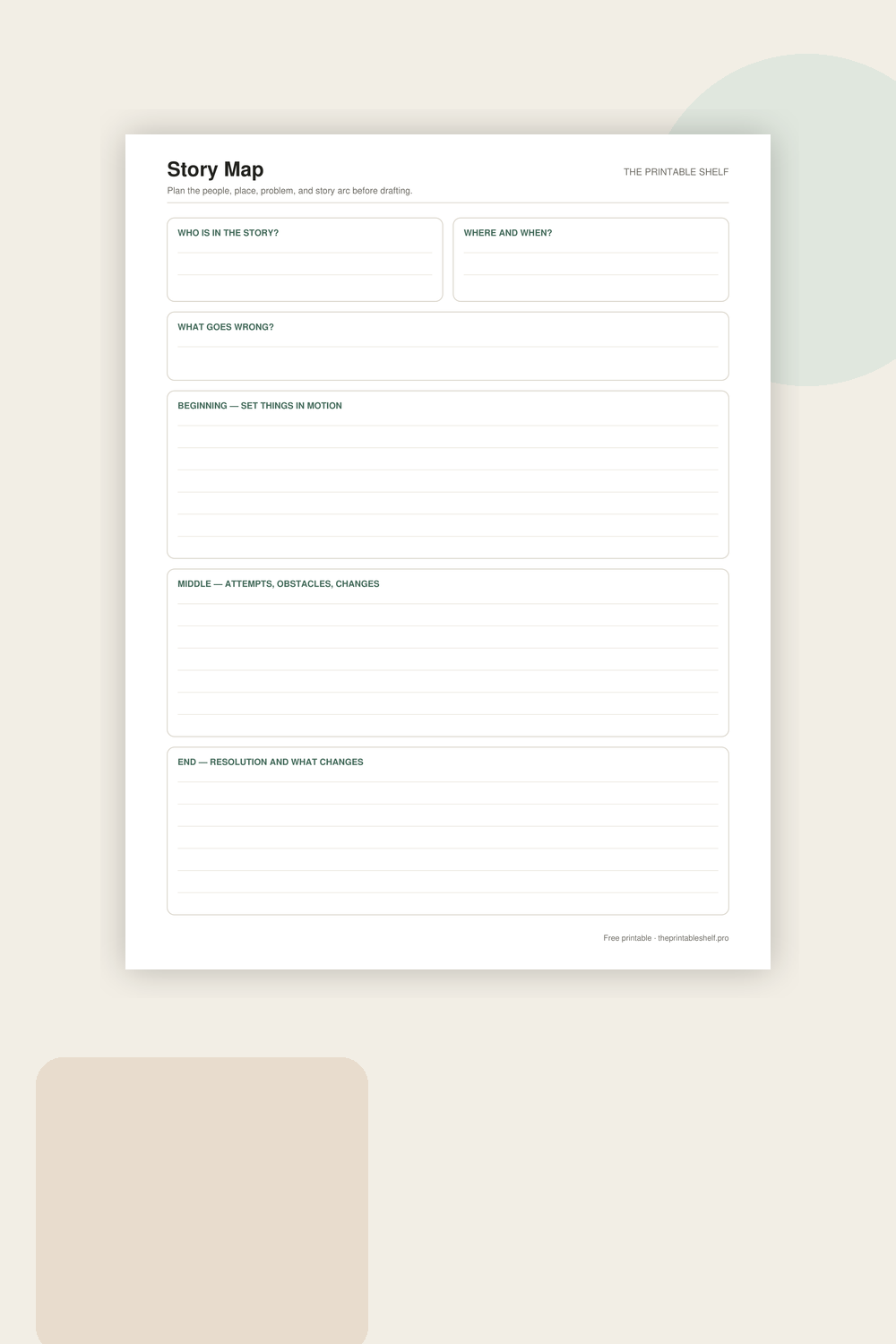
Printable Story Map Template
A one-page story organizer that separates the pieces students often mix together. Characters and setting establish who and where, the problem gives the story something to resolve, and three larger boxes organize the sequence into beginning, middle, and end. It works for reading response or prewriting.